
Helpful Tips:
- M.2 NVMe SSD can only be installed when the Wokyis M5 is disconnected from the computer
- The power supply (PD 36W port on the rear of Wokyis M5) also needs to be disconnected.
Refer to this tutorial video on YouTube:
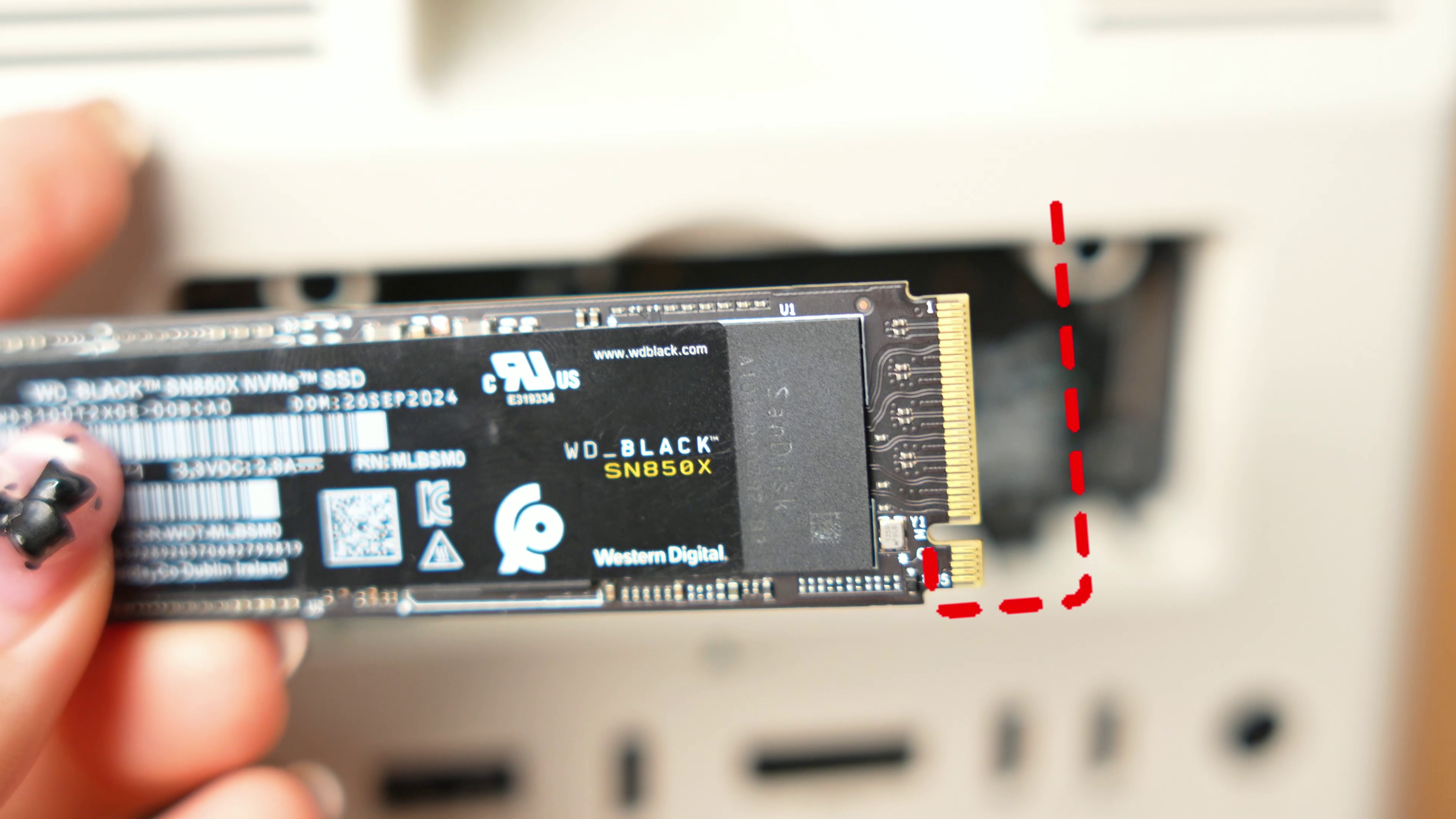
Helpful Tips:
Refer to this tutorial video on YouTube:
Share:
Screen Issue Troubleshooting Wokyis M5 (80Gbps)
How to Change the Sound to the Audio Jack on the Wokyis M5?
3 comments
Hi, I purchased the Wokyis M5 80Gbps and the M.2 slot does not detect any NVMe drive. I tested with a WD Blue SN570 1TB (M.2 2280) which is confirmed working in another enclosure. The Thunderbolt connection works fine (device shows up in macOS system profiler at 40Gb/s), power supply is connected to the PD 36W port, and the drive is properly seated with the retention screw. Despite all of this, the drive is never detected. I believe the M.2 slot on my unit is defective. Can you please advise on a replacement or repair? Thank you.
I just install my Samsung 990 EVO Plus but my Mac mini M4 Pro doesn’t recognize…… can somebody help me please?
If I install an M.2 NVMe SSD do I need to connect. power supply on the PD36w port?
Thank you
Hank