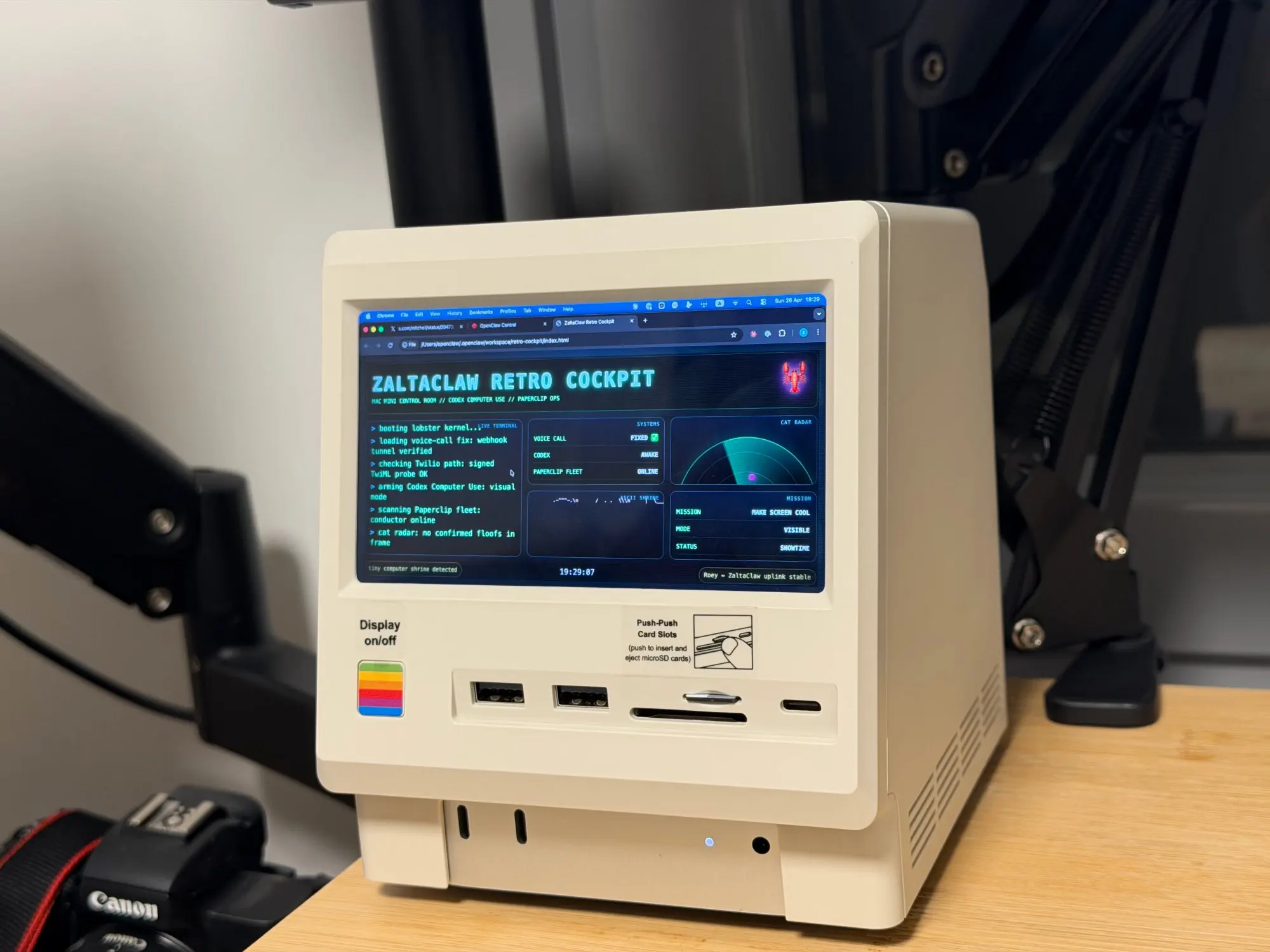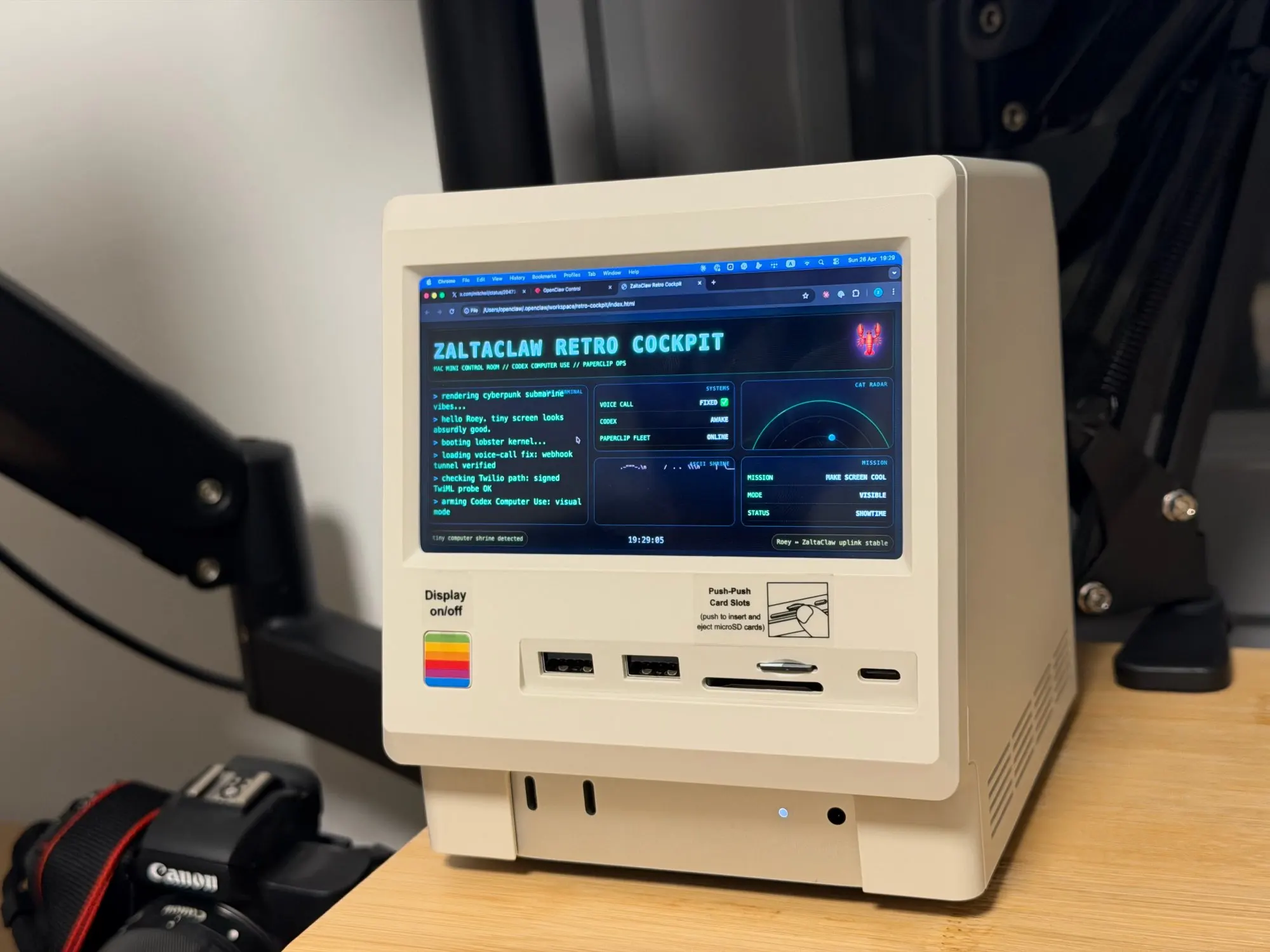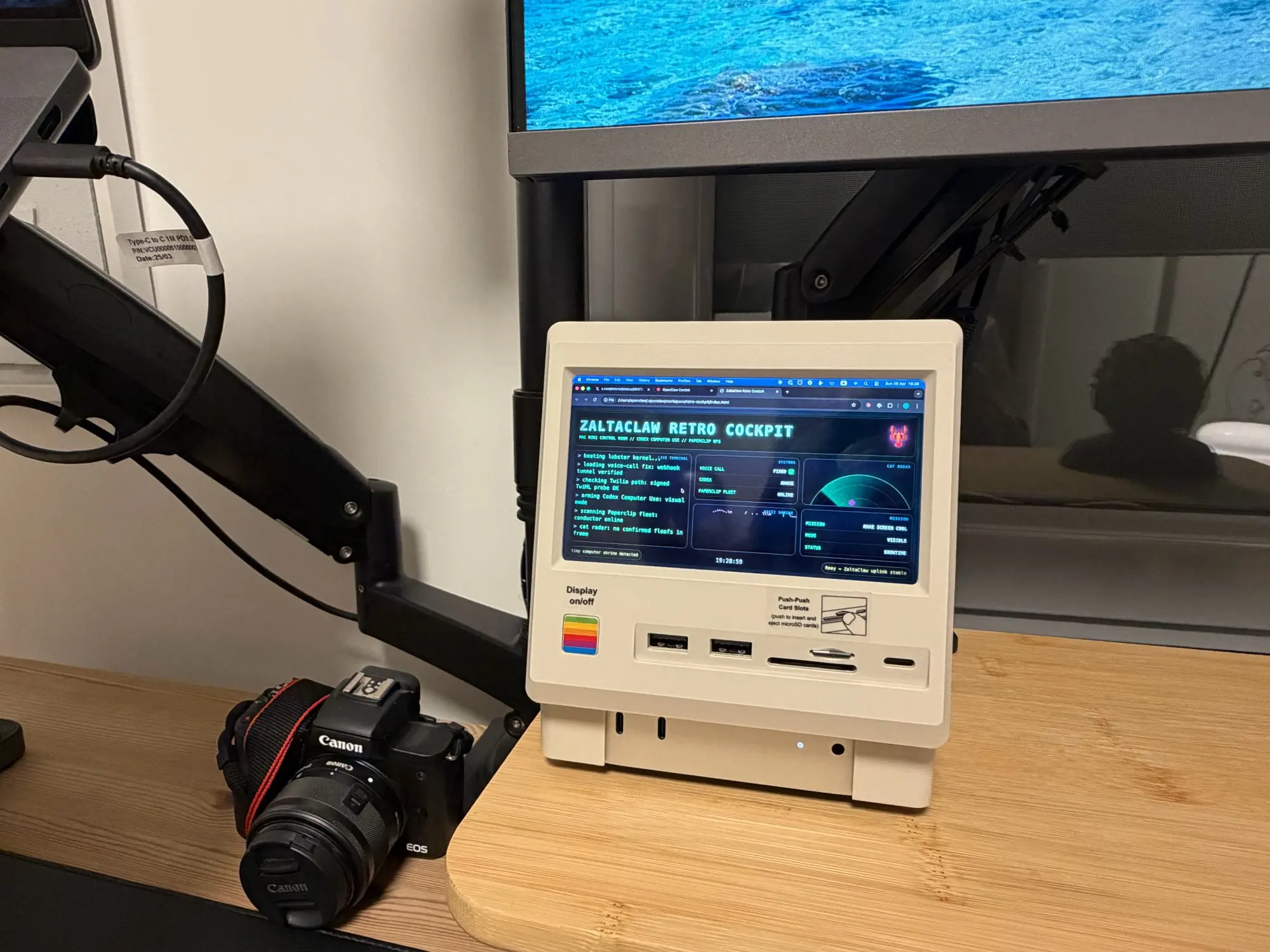
Wokyis M5 10Gbps
Wokyis M5 10Gbps
Couldn't load pickup availability
PRODUCT DESCRIPTION
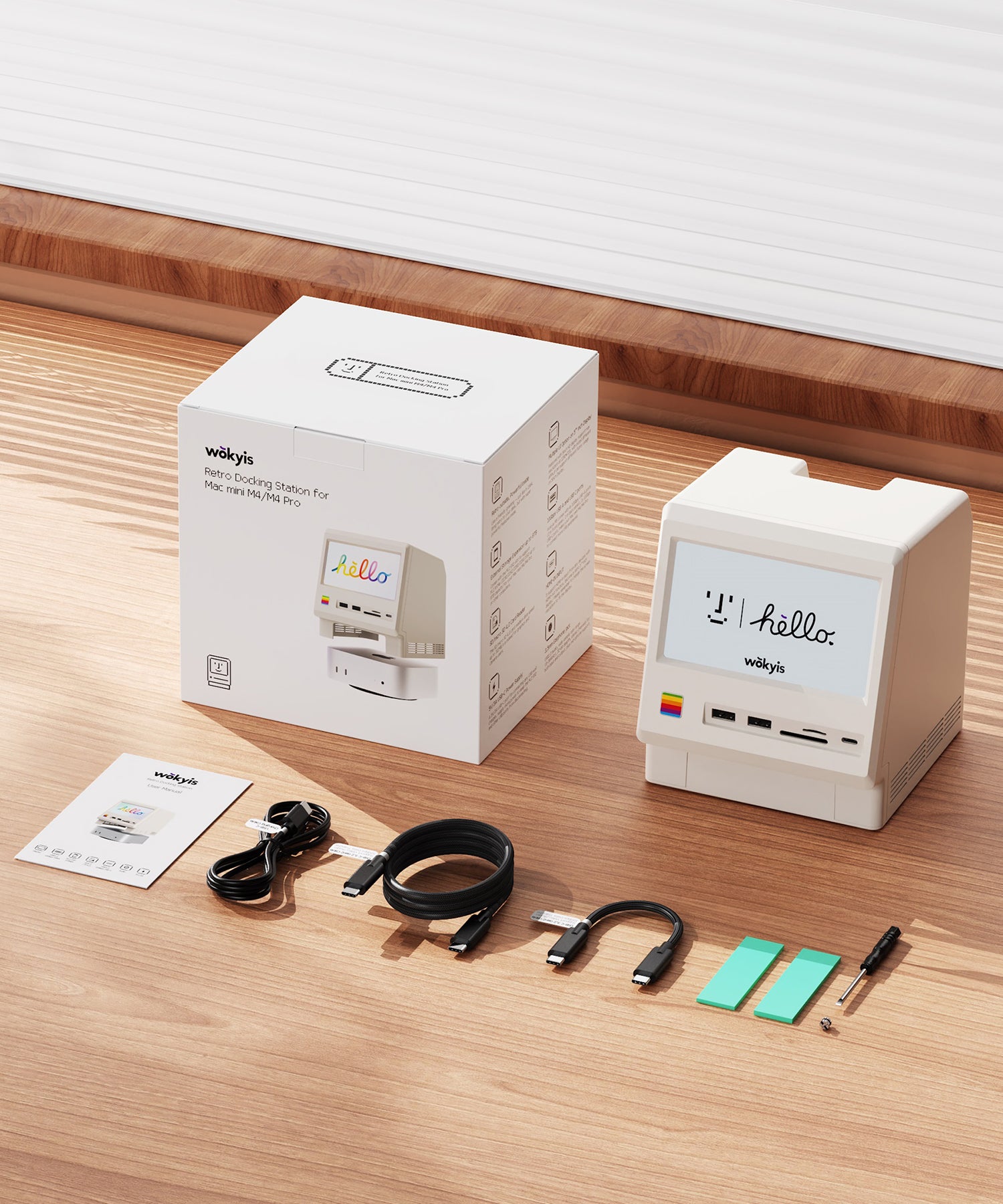
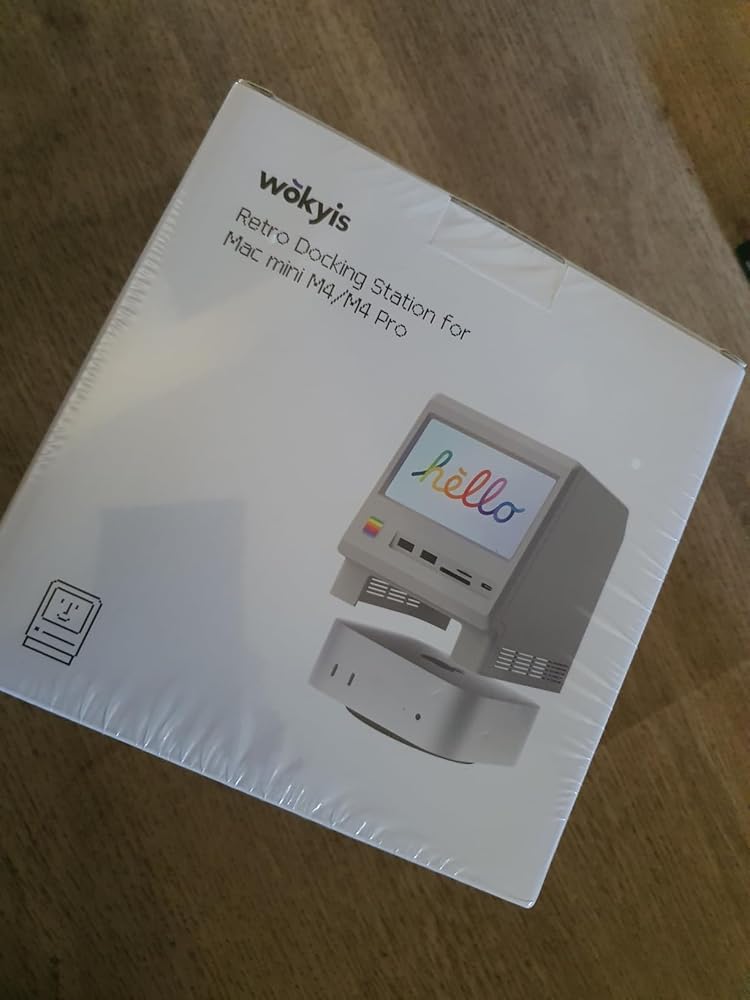
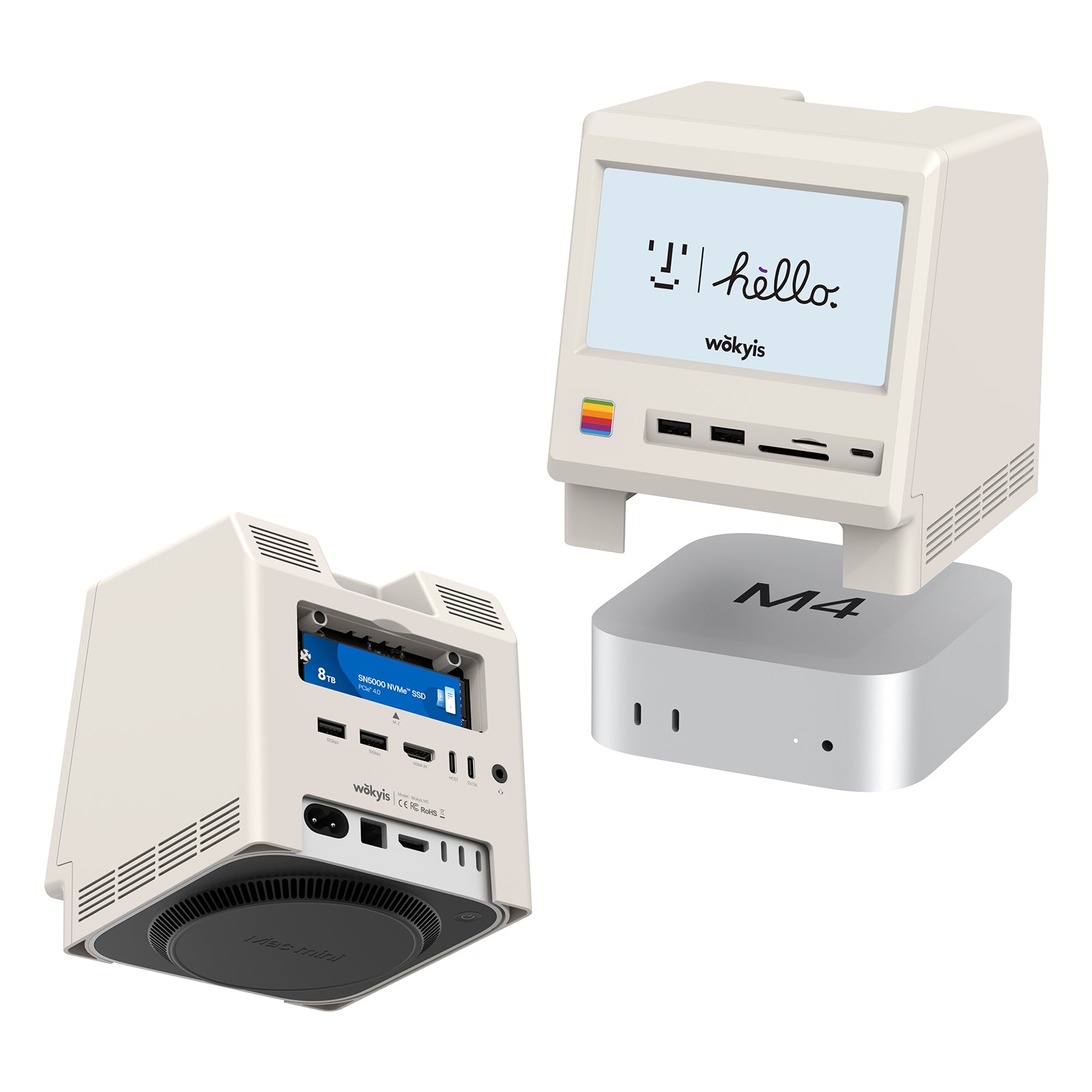
Retro Docking Station for Mac mini M4 with 5-inch Full HD Monitor and 10Gbps M.2 NVMe PCIe SSD Enclosure
About this item:
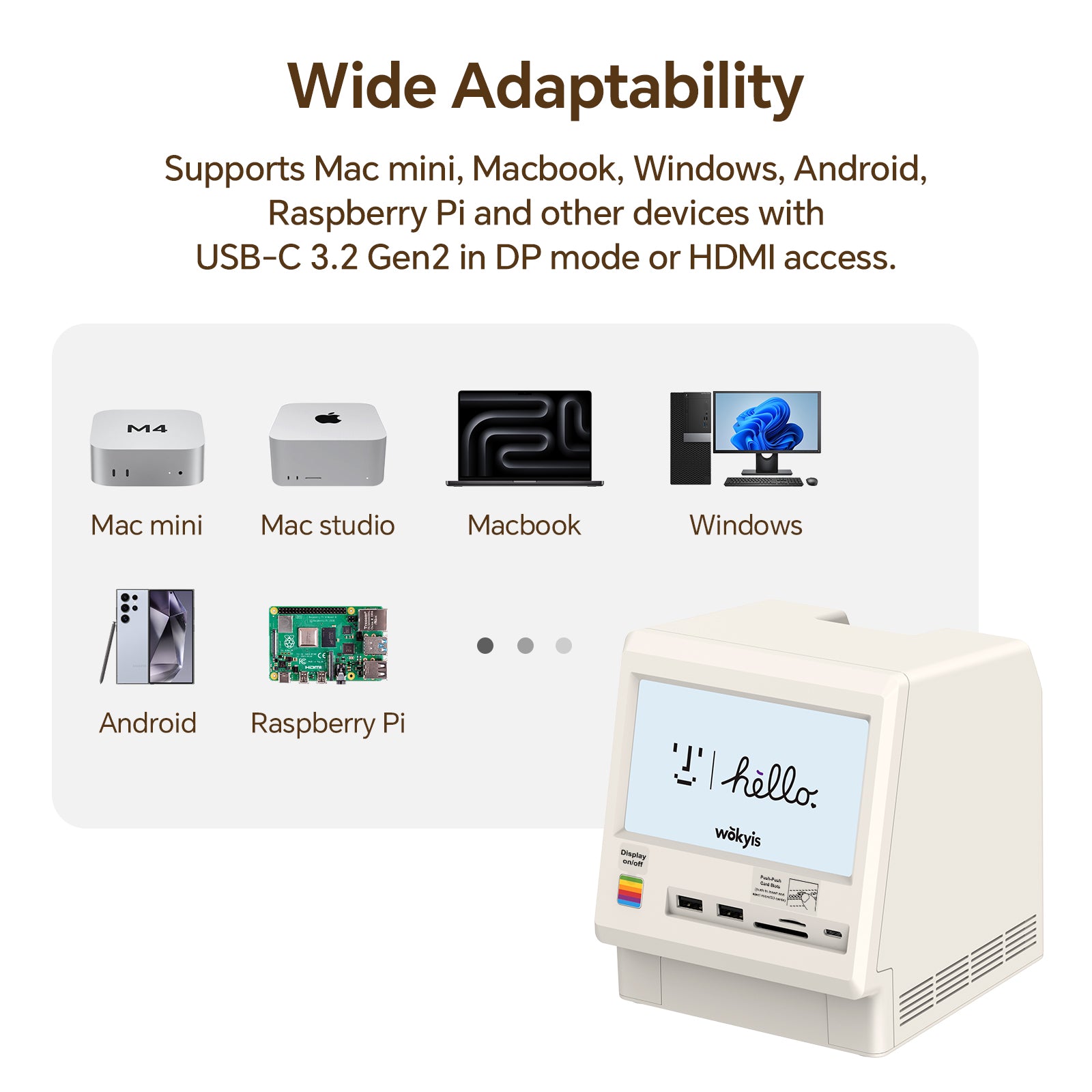
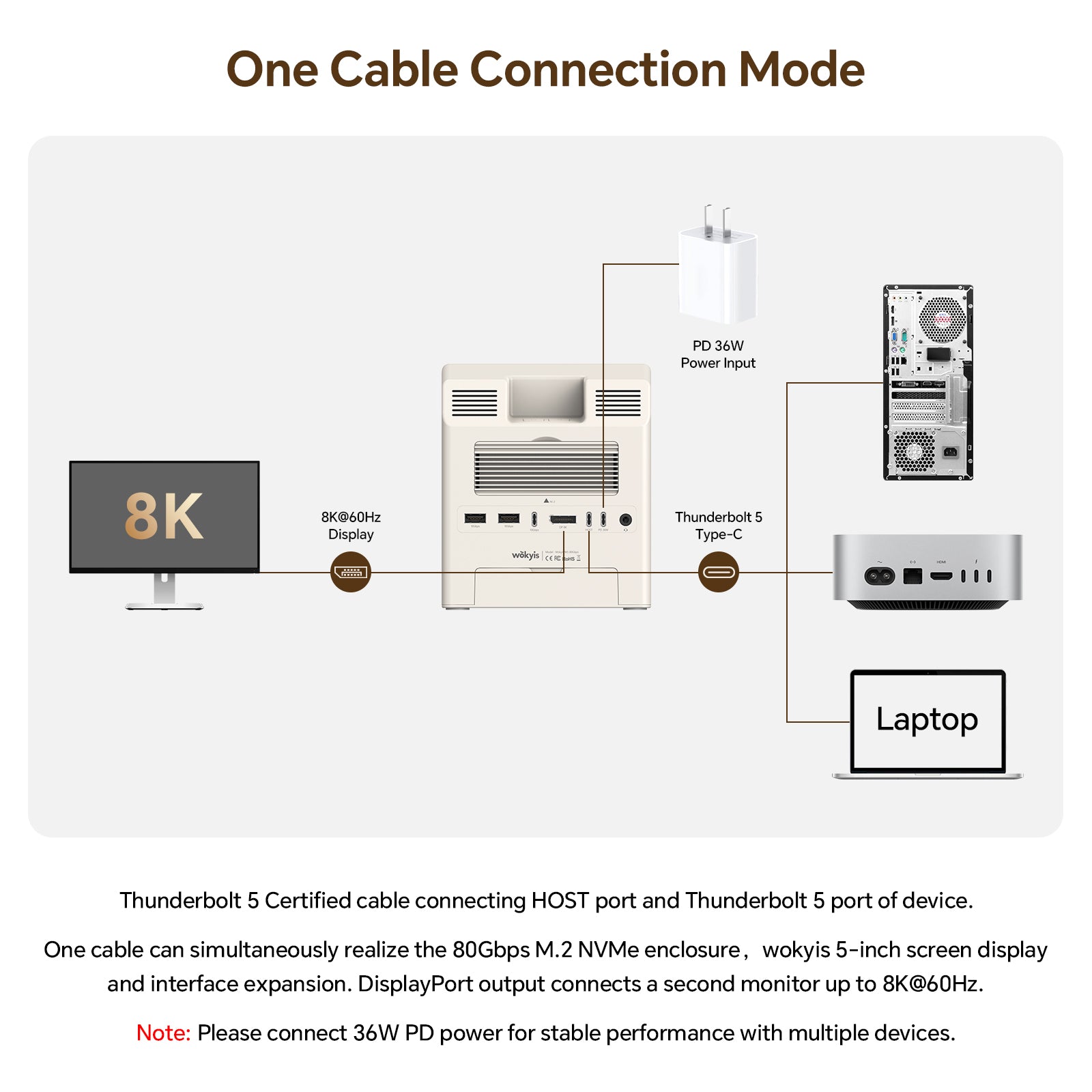
- It is compatible with Mac mini M4 and M4 Pro. It is also compatible with Mac mini M1/M2 chip series, other Macs and other Windows computers with Thunderbolt 5/4/3 ports or USB4 port.
- It is NOT compatible with computers that have Thunderbolt 2 ports or USB 3.2/3.0/2.0 ports.
- It is now available for purchase and is expect to ship within two days (excluding national holidays).
Technical Specifications:
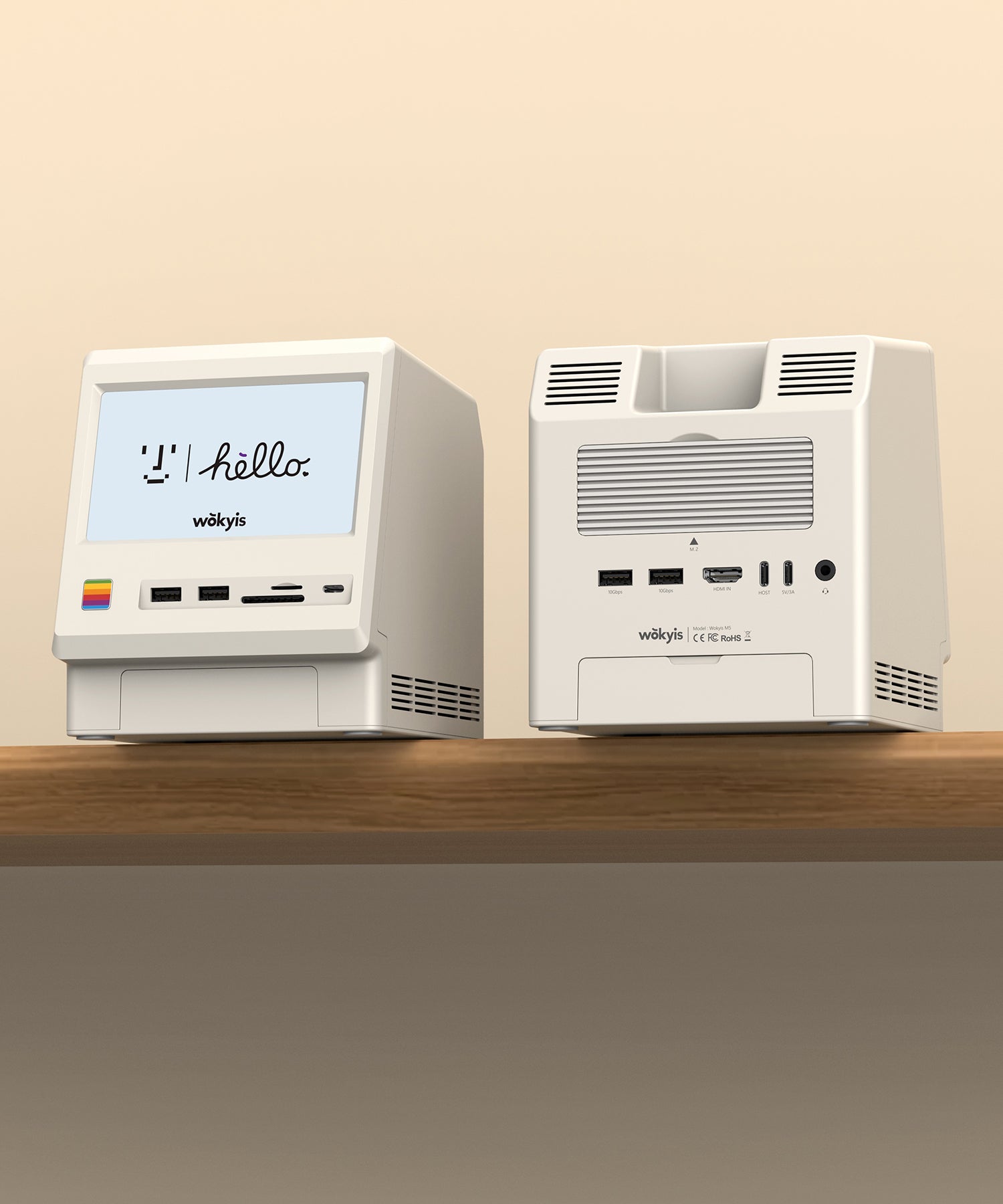
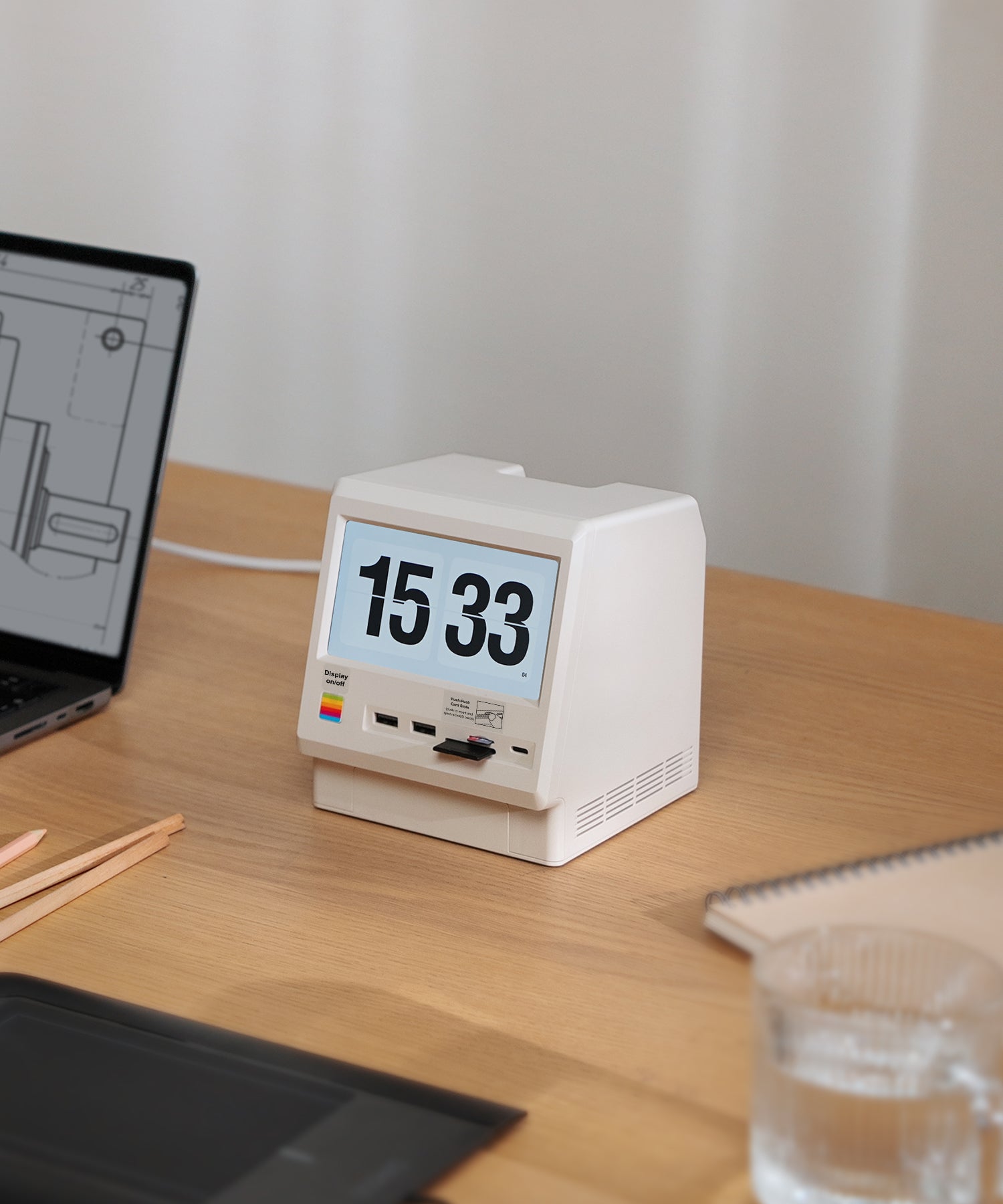
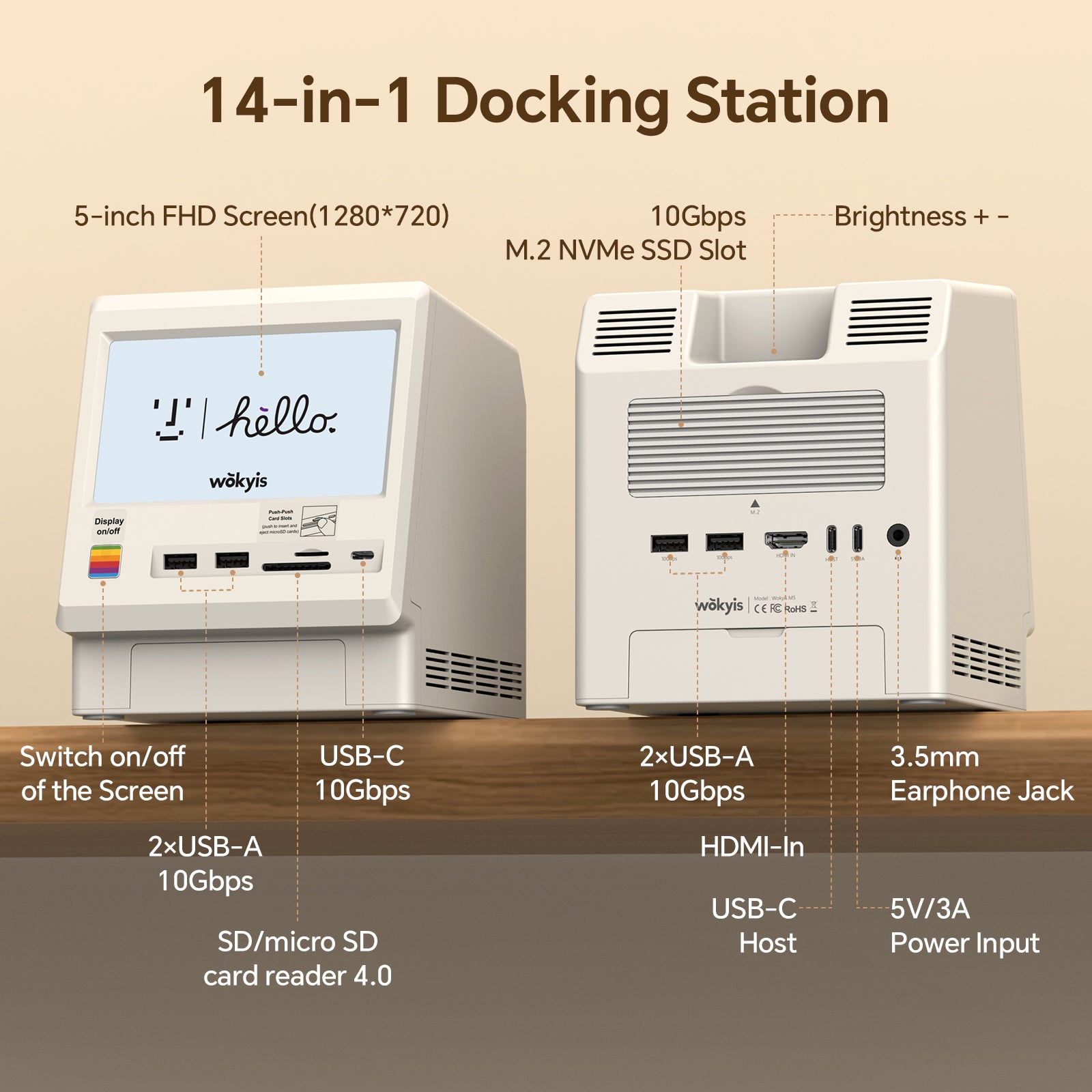
- Power Button: switch on/off of the 5-inch screen
-
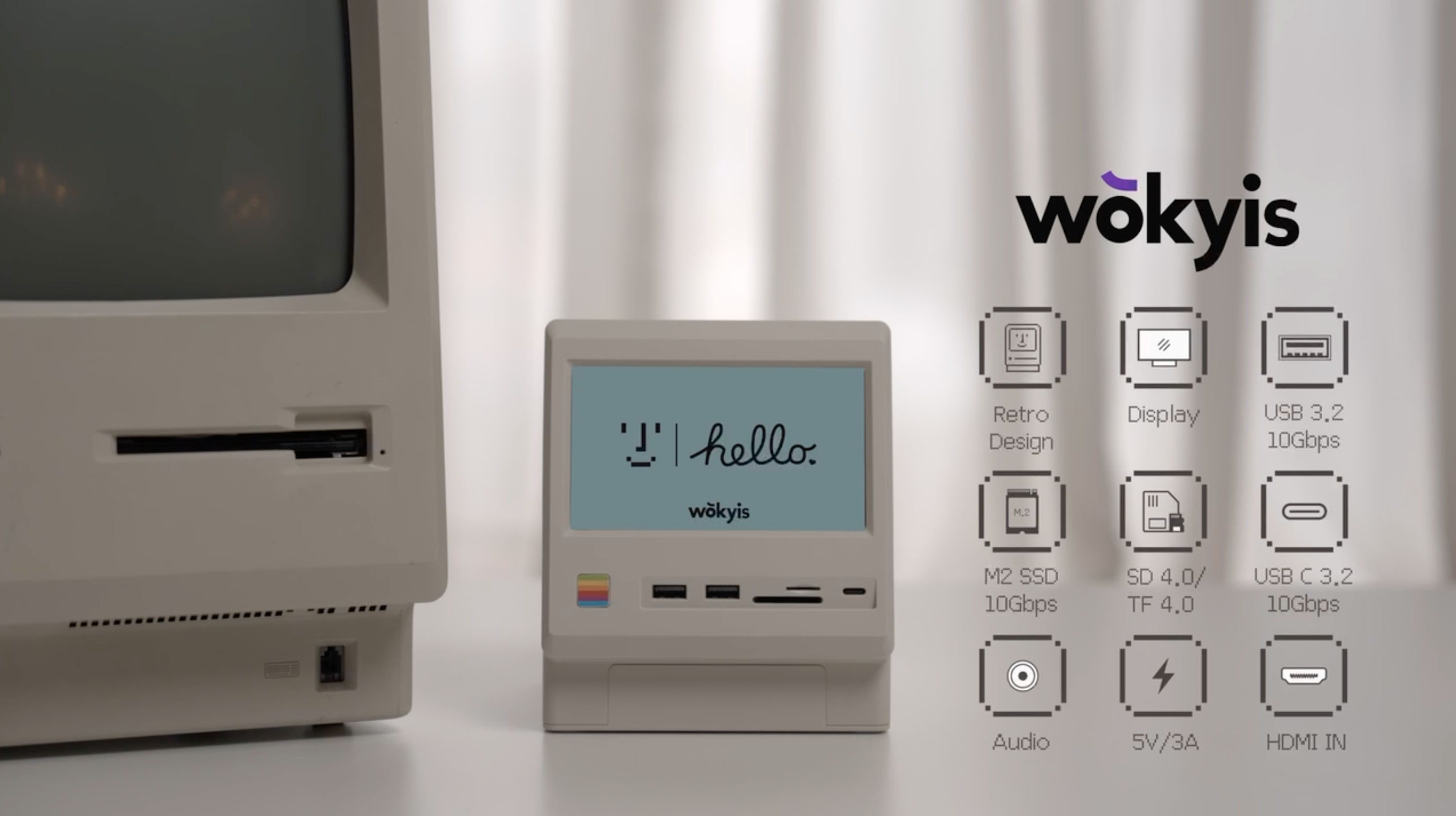
5-inch Monitor: full HD display, resolution up to 1280*720p, IPS
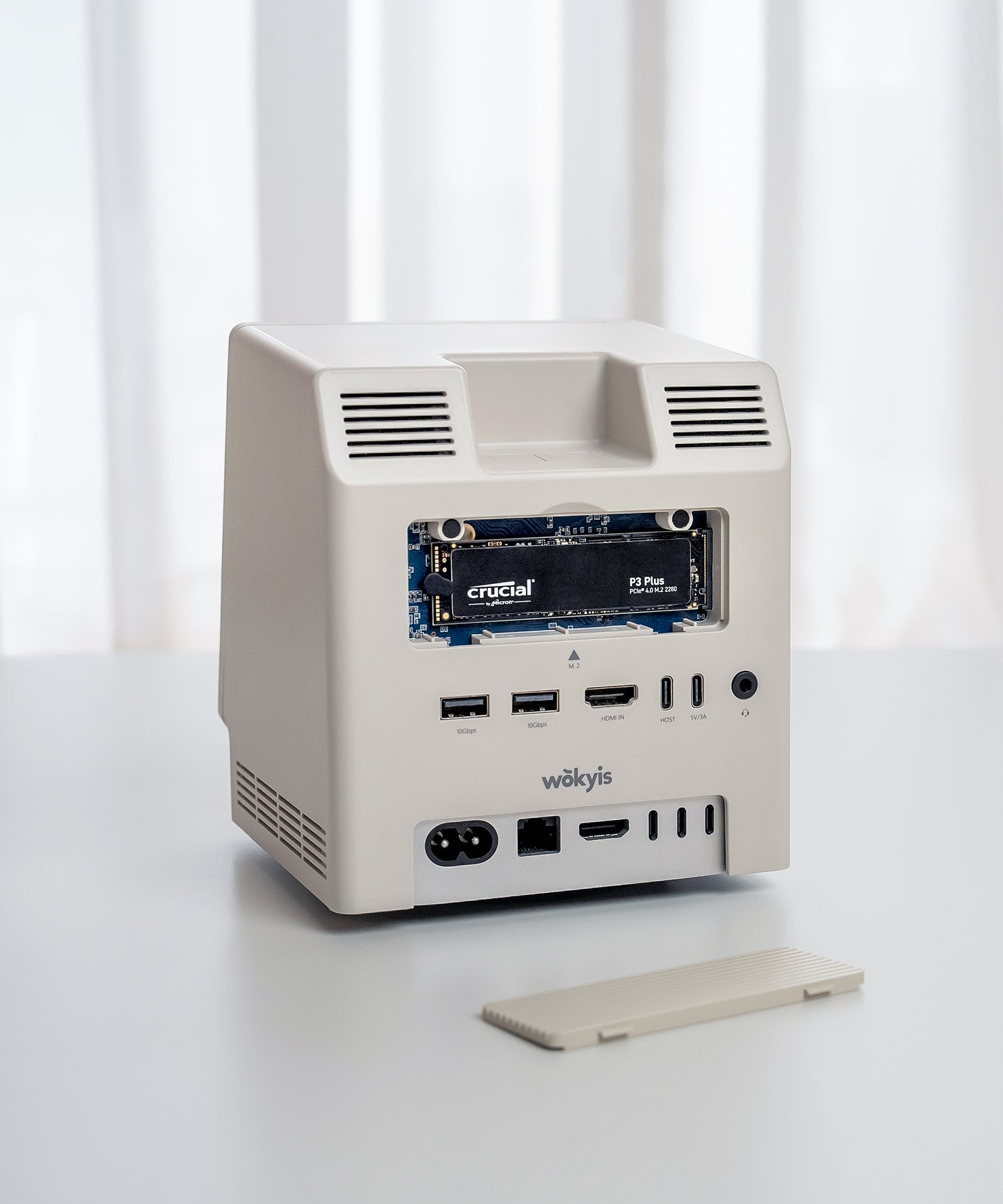
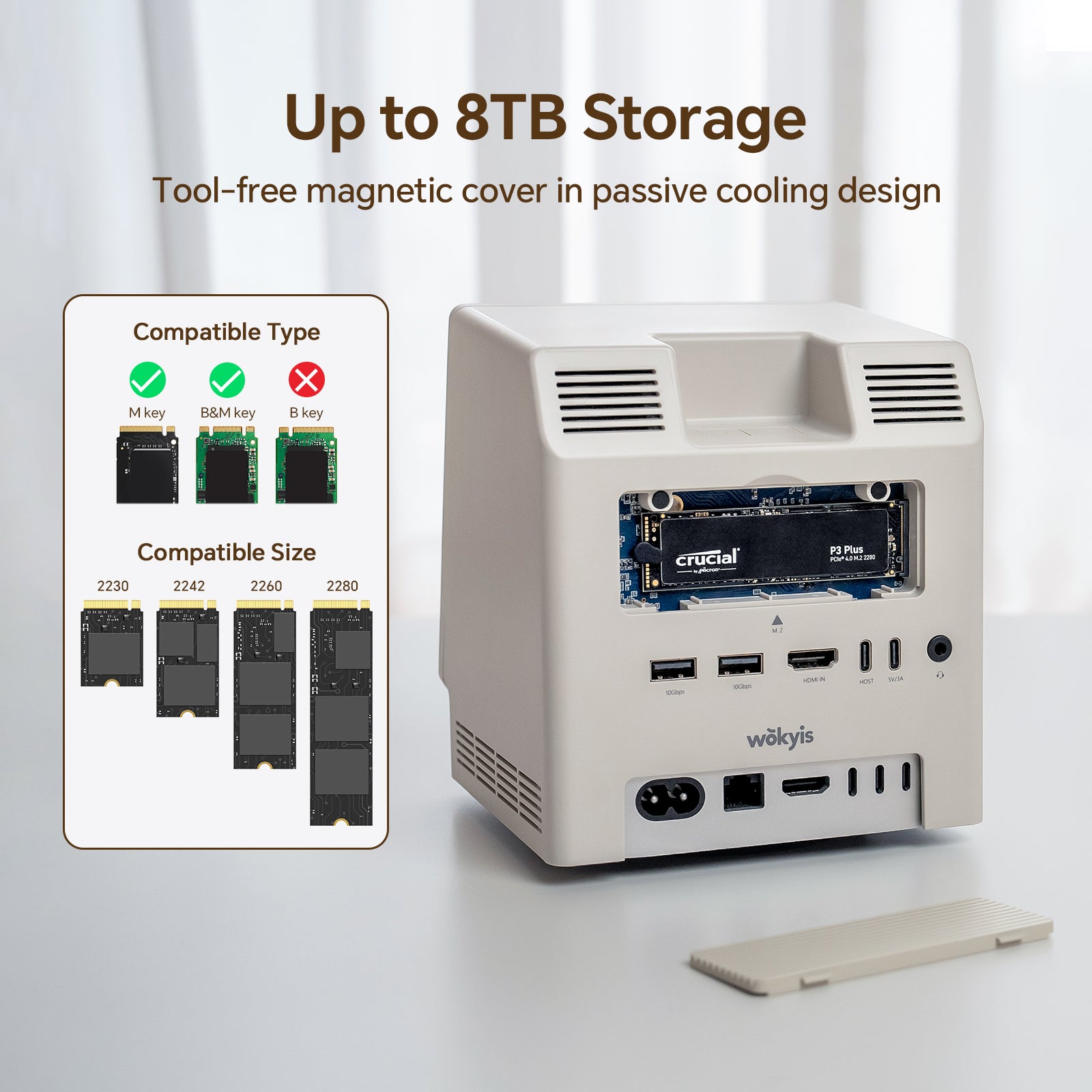
- M.2 SSD Slot: supports 2230/2242/2260/2280, NVMe, PCIe 4.0 and 5.0, capacity up to 8TB, speeds up to 10Gbps
- SD/micro Card Readers: SD4.0 UHS-ll 312MB/s, SD and microSD card readers can be used simultaneously
- 4x USB-A Ports: USB 3.2 Gen 2 10Gbps, power supply up to 5V/0.9Ah
- 1x USB-C Port: USB 3.2 Gen 2 10Gbps, power supply up to 5V/0.9Ah
- 1x USB-C Host: connect to Mac mini M4/M4 Pro
- 1x USB-C Port: connect to external power supply when needed, 15W (5V/3A)
- 1x Audio Port: 3.5mm earphone jack, USB 2.0, 8K-384K support 32bit input and output
-
1x HDMI Port: HDMi-in only
Accessories:
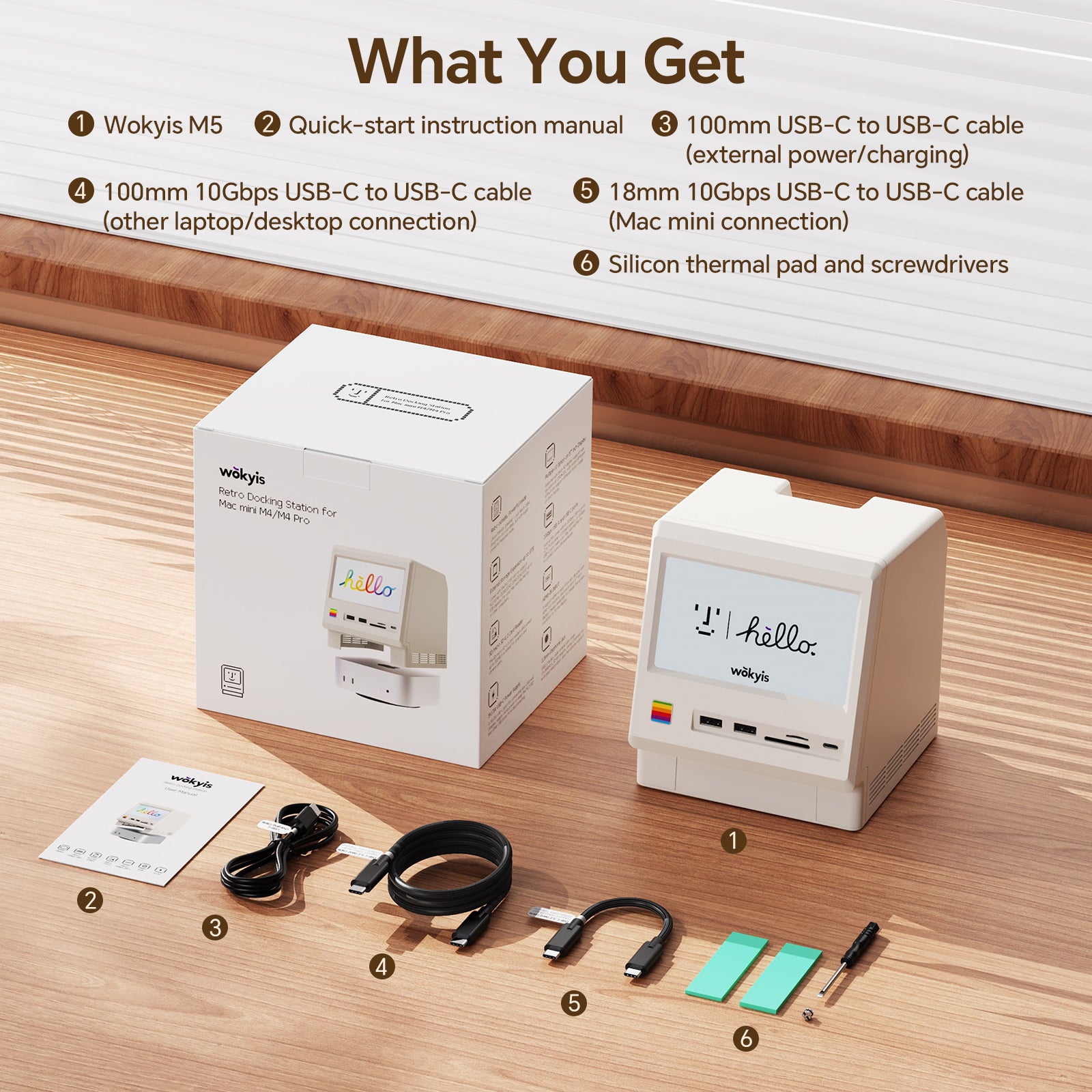
- 1x USB-C cable: connect to Mac mini M4/M4 Pro, 18mm, USB 3.2 Gen2 10Gbps
-
1x USB-C cable: connect to other Macs or Windows computers with Thunderbolt 5/4/3 ports or USB4 port, 1 meter, USB 3.2 Gen2 10Gbps
-
1x USB-C cable: connect to external power supply when needed, 1 meter, 15W (5V/3A)
Dimensions:
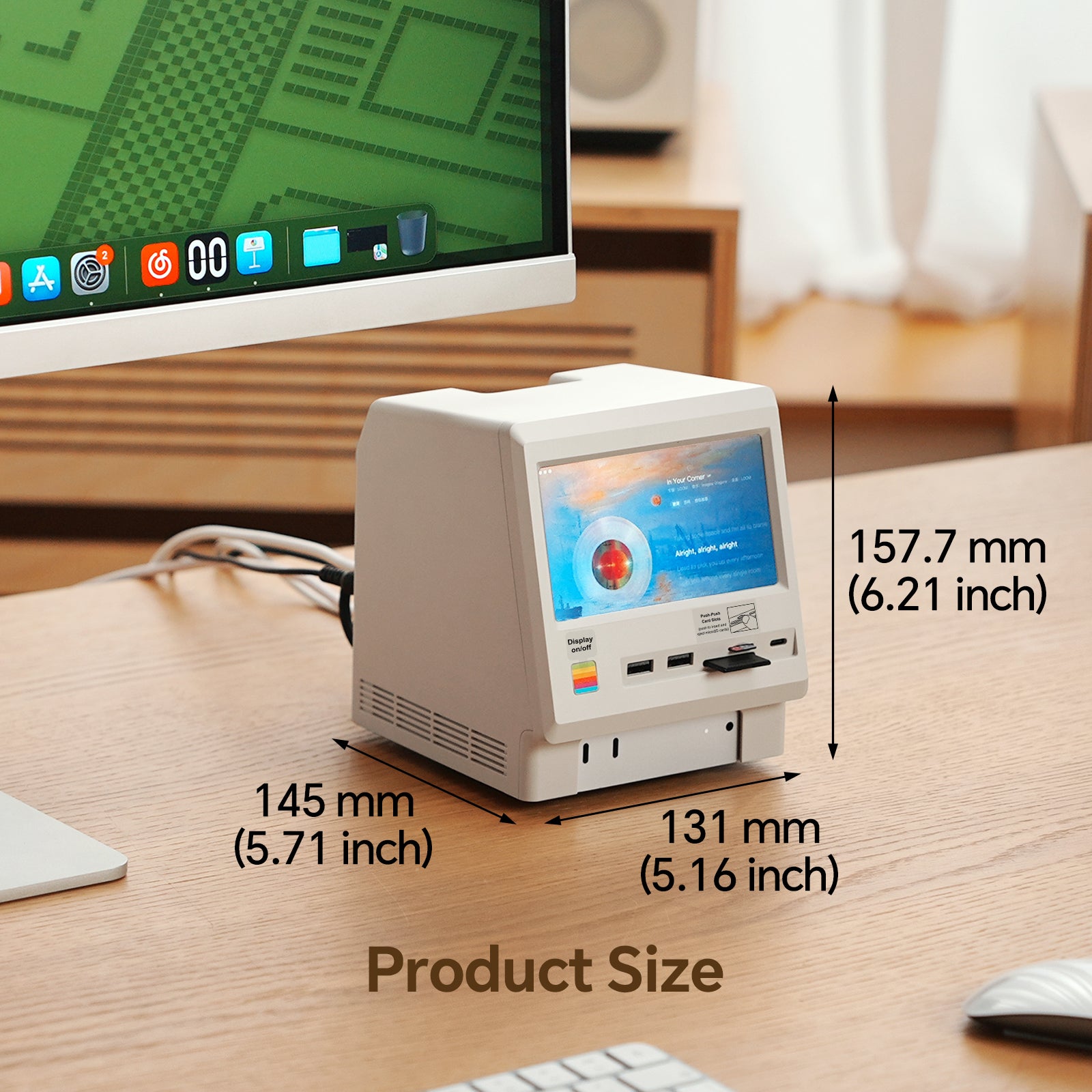
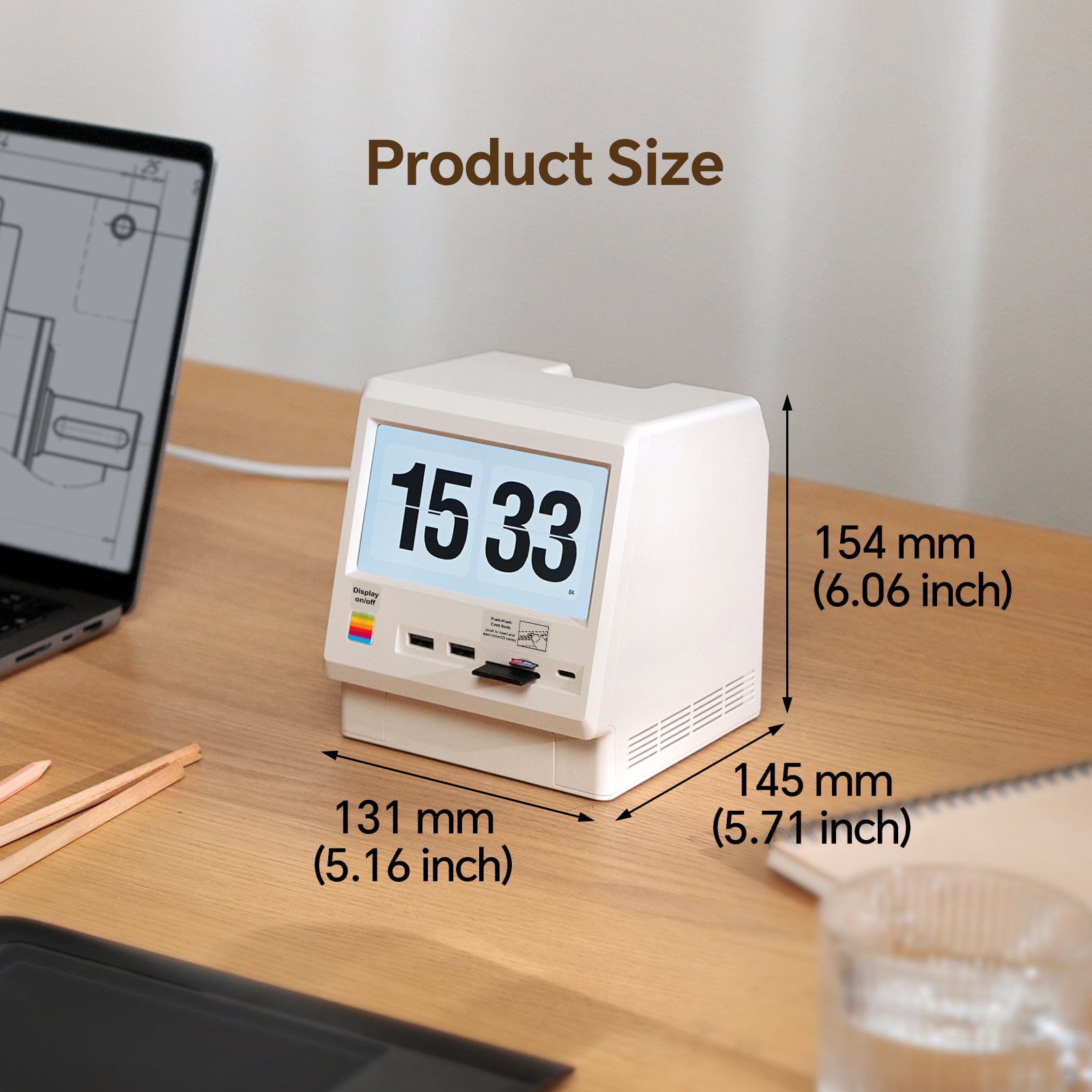
- 145*131*154mm, 5.71*5.16*2.13inches
Weight:
- 510g, 1.12Ibs, 17.99oz
Materials:
- Plastic (main body)
- Aluminum (SSD protective cover)
Compatibility:
- Mac mini M4/M4 Pro, Mac mini M1/M2 chip series
- MacBook Air M4, MacBook Pro M5, MacBook Pro M4/M4 Pro/M4 Max
- Other Macs and Windows computers with Thunderbolt 5/4/3 ports or USB4 port
Recommended PCIe Gen 4 (4.0) and Gen 5 (5.0) NVMe SSD (to be updated):
- acer: Predator GM7/GM7000, FA100/FA200
- Crucial: T710/T705/T500, P510/P310, P5/P5 Plus, P3/P3 Plus, P2/P2 Plus
- Corsair: MP700 Elite/MP700 PRO, MP600 Elite/MP600 CORE XT/MP600 PRO NH
- Fury: Fury Renegade, Fury Renegade G5
- Lexar: NM1090 PRO, NM790/NM760/NM710, NQ790/NQ780/NQ760/NQ710
- Inland: TN450, TN470
- Kingston: NV3, NV2, NV1, DC1000B, KC3000, A400
- Move Speed: HB7450 1TB/2TB/4TB
- ORICO: e7400, O7000/OG7000, IG740PRO
- PNY: CS3250, CS2150, CS2241/CS2230, CS1030
- Samsung: 9100 Pro, 990 Pro/990 EVO/990 EVO Plus, 980 Pro/980, 970 Pro/970 EVO/970 EVO Plus/970
- Seagate: BarraCuda Q5/510, FireCuda 520/510, IronWolf 525, ZP1000GP3A1011/ZP2000GP3A1001
- SK Hynix: Platinum P51, Platinum P41, Gold P31
- Silicon Power: UD90, US75, A60
- TEAMGROUP: T-Force Z540, T-Force G50, MP44L, MP33/MP33 PRO, MS30
- Western Digital: Black SN8100/SN850X/SN850, Black SN7100/SN770/SN750, Blue SN5000, SN580/SN570/SN550, Green SN350, Red SN700
Share

Question & Answer
Why is it sold out or unavailable for purchase?
If this item is not available in your country/region, please visit AliExpress and Amazon. They offer worldwide shipping.
What kind of speeds can it achieve with SSD?
The actual speed depends on your computer configuration, SSD performance, and the version of Wokyis M5 you have (10Gbps or 80Gbps).
We've tested Wokyis M5 10Gbps on Mac mini M4 (Tahoe 16.2) with 4TB Samsung 990 EVO Plus PCIe 4.0 NVMe SSD, its write/read speeds are around 900 MB/s and 800 MB/s respectively.
We've also tested Wokyis M5 80Gbps on Mac Studio M4 Max (Tahoe 16.2) with 1TB Samsung 9100 Pro PCIe 5.0 NVMe SSD, its write/read speeds are around 6300 MB/s and 5900 MB/s respectively.
Does it include an M.2 NVMe PCIe SSD?
No, the Wokyis M5 does not include any SSD, you need to purchase and install SSD by yourself.
Does it include the silicone thermal pad?
Yes, the Wokyis M5 includes two pieces of silicone thermal pad for the M.2 NMVe SSD in the orginal package. The thicker piece is for the single-sided SSD, while the thinner piece is for the double-sided SSD.
Does it support M.2 NVMe SSD with a heatsink?
No, the Wokyis M5 does not have any remaining space inside to install a heatsink.
However, the protective cover for the M.2 NVMe SSD on the rear of Wokyis M5 is made of aluminium with grooved design, which effectively acts as a heatsink.
You simply need to place the silicone thermal pad provided in the original packaging between the solid-state drive and the protective cover for heat dissipation.
Does it support SD/microSD cards with UHS-II or I?
The SD and microSD card readers on the front of the Wokyis M5 support SD 4.0 with UHS-II standards (up to 312MB/s).
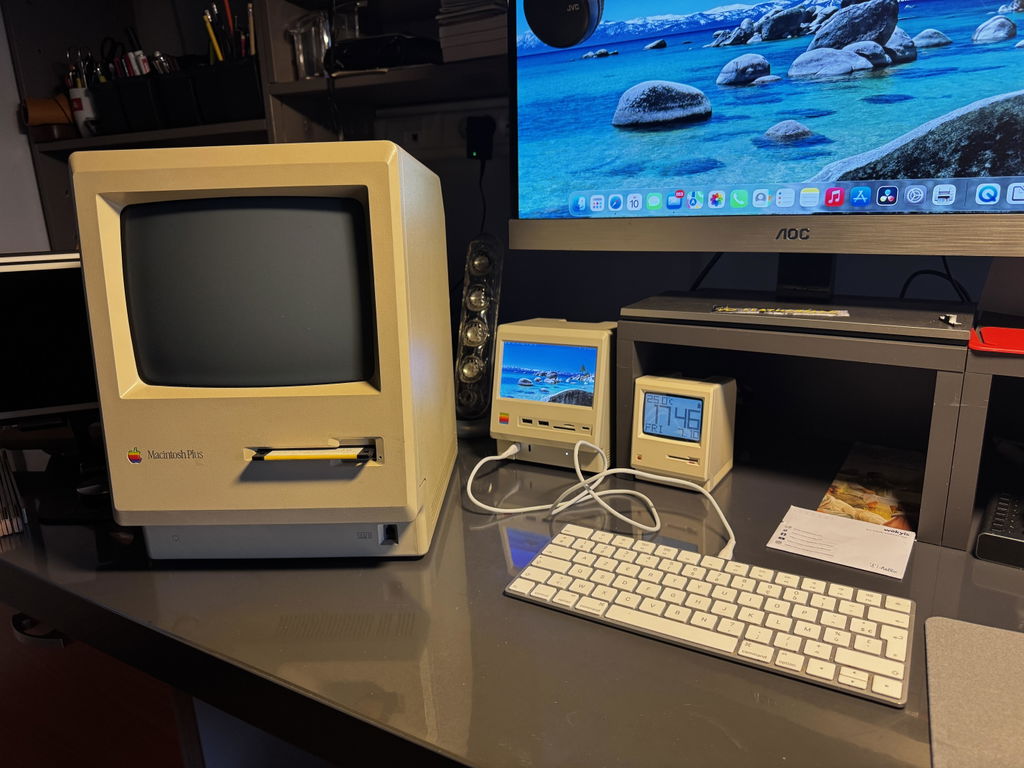
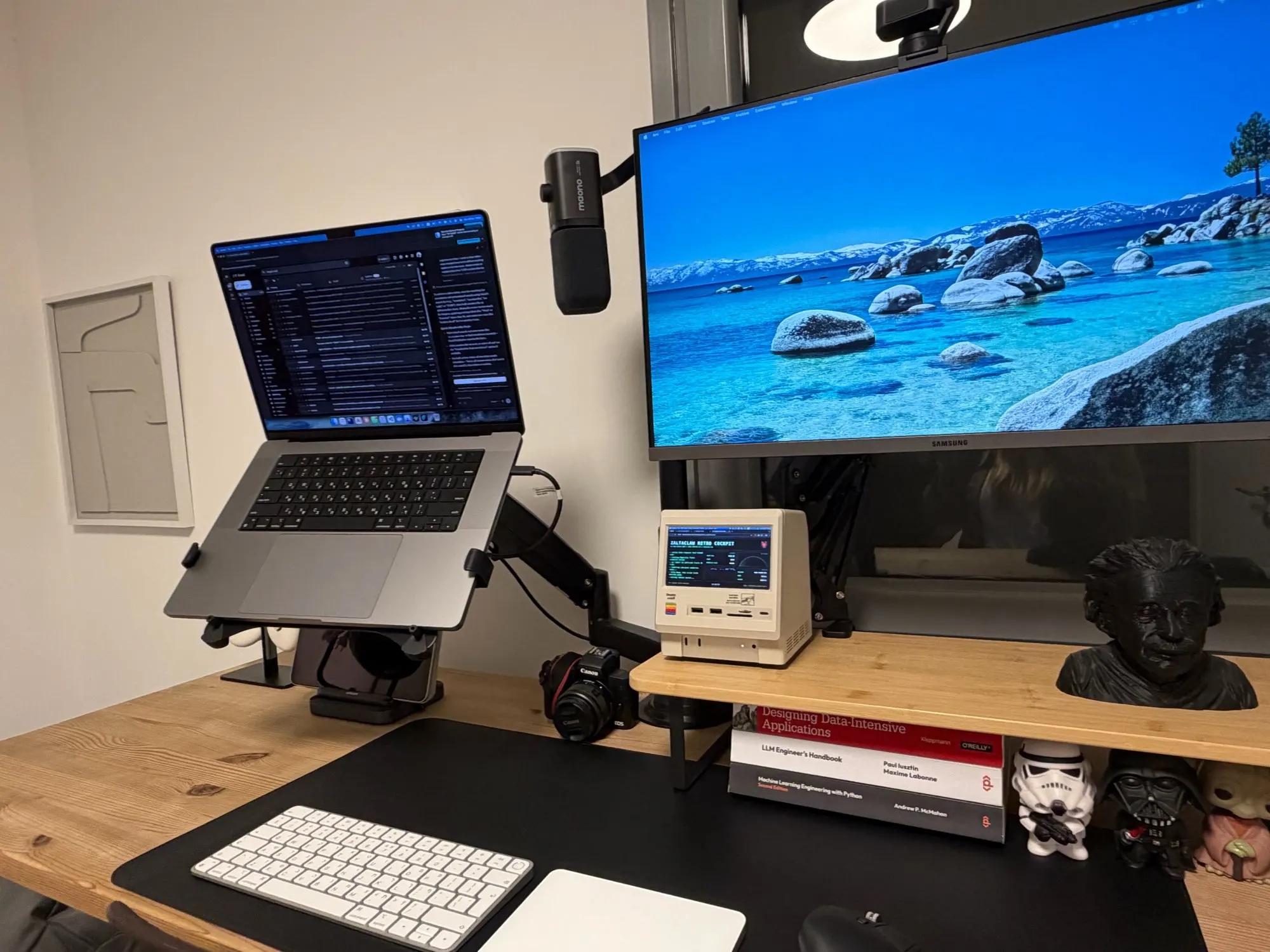
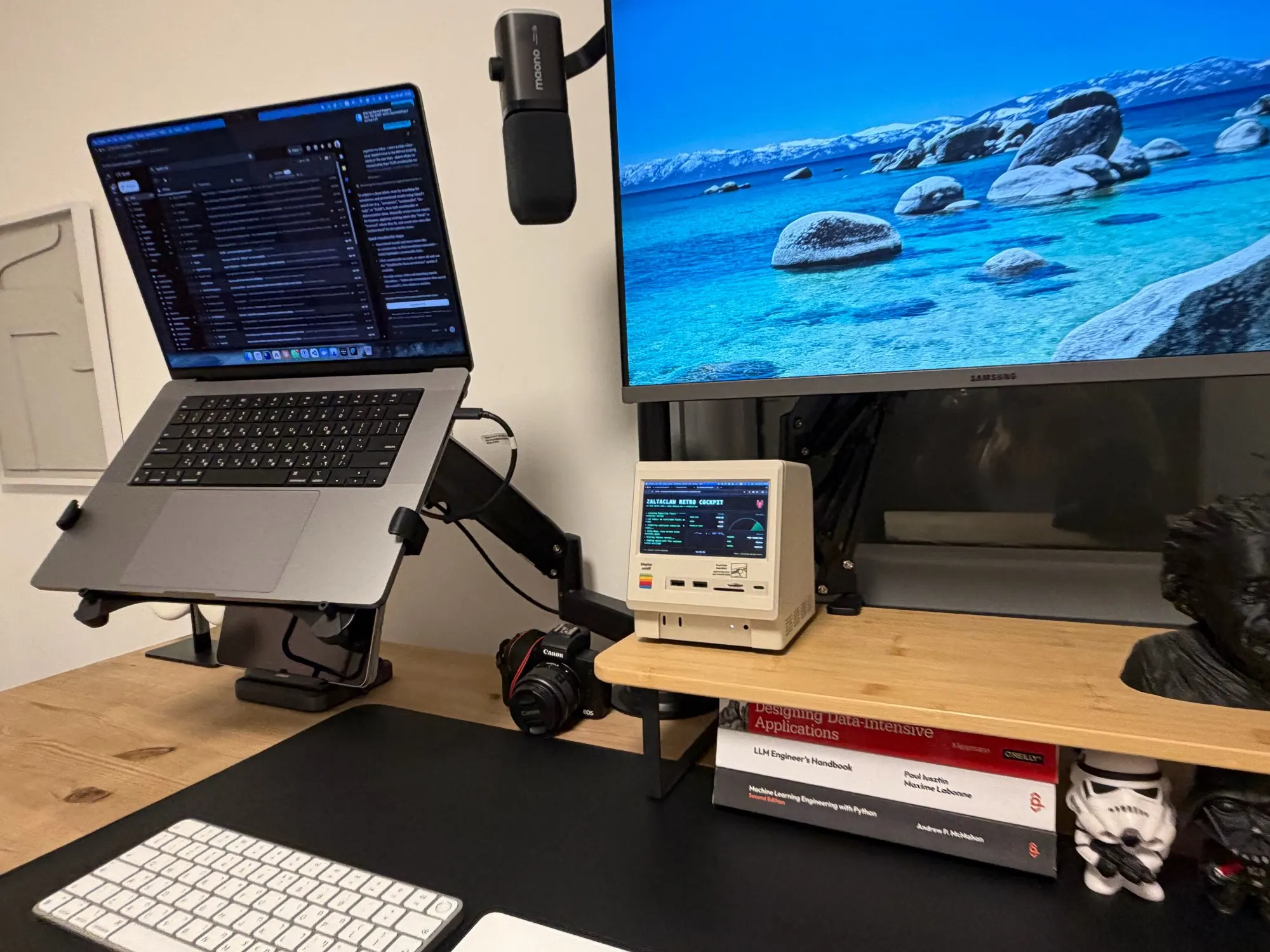
Coolest thing ever. Cleaned up my desk from all the other hubs I had all over and it looks so cool, too.
Saw this item on Max sound solutions I love novelty items, but this one works as a little screen that I used to put some things like media players and my home app. Does everything it says it does put a 2 TB Does everything it says it does put a 2 TB memory stick in Does everything it says it does put a 2 TB memory stick in it Does everything it says it does put a 2 TB memory stick in it all the ports work as expected, and it has a sharp little screen.
Received package today. Looks great
Reviews in Other Languages
Ce petit dock rétro pour Mac Mini m’a vraiment surpris. J’aime beaucoup son look inspiré des vieux Macintosh, ça donne un côté nostalgique tout en restant moderne grâce à toutes les fonctionnalités intégrées. L’écran de 5 pouces est pratique pour jeter un œil rapide à des infos sans ouvrir une nouvelle fenêtre sur le grand écran. L’image est nette, et même si ce n’est pas un écran principal, il ajoute vraiment un plus au quotidien.Le fait qu’il fasse aussi office de hub 14-en-1 est super pratique : USB-A, USB-C ultra rapide, lecteurs de cartes, DisplayPort, HDMI… tout est là. On peut brancher presque n’importe quoi sans se poser de questions. Le boîtier SSD M.2 intégré est aussi un vrai atout. Pouvoir ajouter jusqu’à 8 To directement dans le dock, sans boîtes externes partout, c’est vraiment top, surtout pour ceux qui travaillent avec de gros fichiers.La possibilité de choisir entre une version USB-C 10 Gbps ou une version Thunderbolt 5 encore plus puissante est un bon point, même si la version TB5 sera surtout utile aux pros et risque de faire grimper le prix. Le concept de glisser son Mac mini directement dans la station d’accueil est super malin : ça réduit les câbles qui traînent et ça donne un bureau bien plus propre.
見た目重視のデスクトップガジェットです。1983年製 初代 Macintosh っぽいデザインで、50歳前後のエンジニアほいほいです。Mac mini M4 にピッタリサイズで、デザインとサイズ、これが最大の特長です。ここに Mac mini M4 を取り付けてみると、見た目が Macintosh っぽくなって、薄いベージュっぽい色合いもクラシック感を醸し出しています。一見、Mac mini M4専用商品のように見えるかもしれませんが、実際には 1280 x 720 解像度の LCDモニタが付いた USB-Cハブです。なので、Windowsパソコンや、ノートパソコンにもつけることができますよ。今は自宅の書斎に置いてますが、オフィスにも自席があったら、そこに置いておきたいかわゆいアイテムです。実用性としても、Macbook Air みたいなインターフェースの少ないパソコンにはピッタリです。ミラーレスの SDカードも読み取れるし、最大2280までの SSDも取り付けることができます。主な機能:<表面>1.5インチ 1280 x 720 ディスプレイを搭載2.USB-A 10Gbps3.USB-A 10Gbps4.USB-C 10Gbps5.SDカードリーダー6.MicroSDカードリーダー<裏面>7.10Gbps M.2 NVMe SSDスロット (2280)8.3.5mmイヤホンジャック9.USB-A 10Gbps10.USB-A 10Gbps接続モード:1.USB-C ディスプレイ出力対応モード 映像: USB-C からの Thunderbolt入力 給電: USB-C -- ACアダプタ (5V/3A以上を利用)2.HDMI互換モード 映像: HDMIケーブルでの映像入力 給電: USB-C -- ACアダプタ (5V/3A以上を利用)付属のケーブルにも USB-C の短いケーブルもあって、Mac mini M4にピッタリのキットになっています。
画面サイズが小さいが、Mac好きにはおいておくだけで満足
Feel free to contact us
Welcome to email us:hello@wokyis.com
WhatsApp & Service line: +852 66622021