Q&A

Frequently Asked Questions

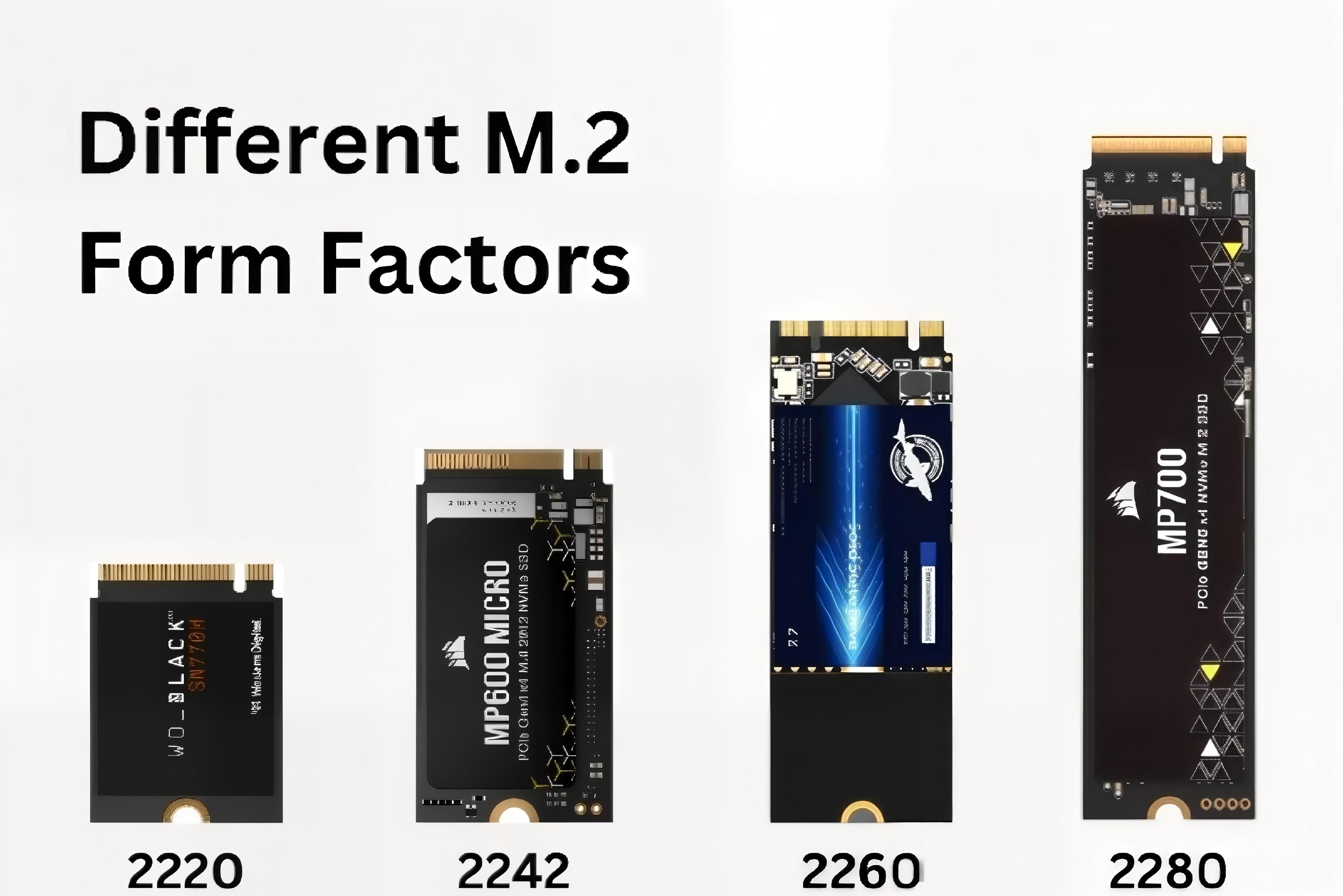
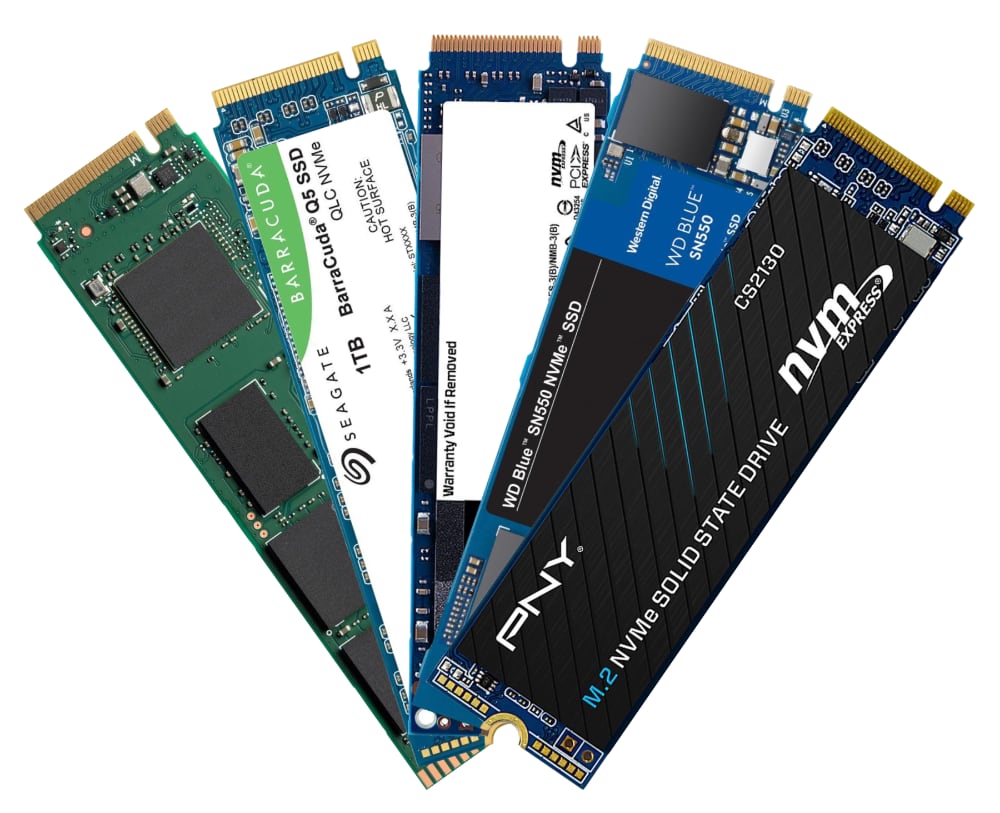
What types of M.2 SSDs does the Wokyis M5 support?
  • by WokyisHello

What types of M.2 SSDs does the Wokyis M5 support?

Helpful Tips: It supports NVMe and PCIe standards. It does not support NGFF and SATA standards. It supports M.2 SSD in 2230/2242/2260/2280mm form factors.  As for recommended PCIe Gen 4 (4.0) and Gen 5 (5.0) NVMe SSD models, please refer...

Read moreabout What types of M.2 SSDs does the Wokyis M5 support?

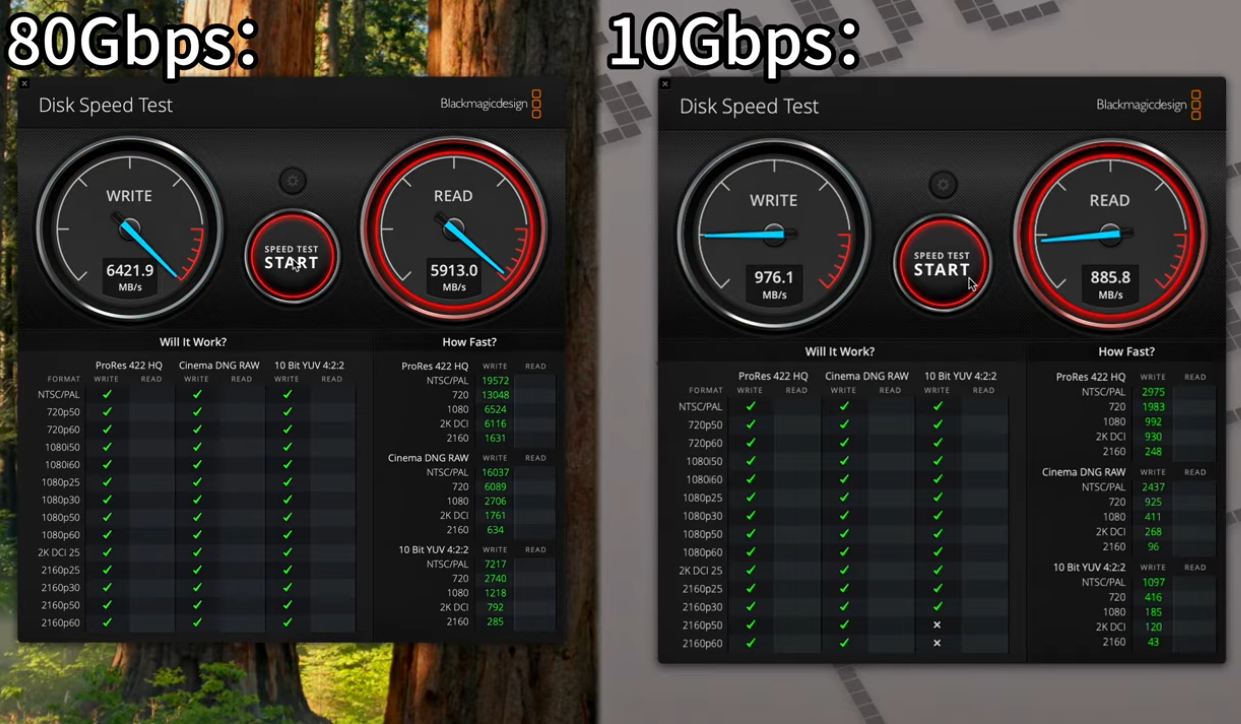
What speeds can be achieved using an M.2 NVMe SSD on the Wokyis M5?
  • by WokyisHello

What speeds can be achieved using an M.2 NVMe SSD on the Wokyis M5?

Helpful Tips: The actual speed depends on your computer configuration, SSD performance, and the version of the Wokyis M5 you have (10Gbps or 80Gbps). We've tested Wokyis M5 10Gbps on Mac mini M4 (Tahoe 16.2) with 4TB Samsung 990 EVO...

Read moreabout What speeds can be achieved using an M.2 NVMe SSD on the Wokyis M5?

Does the Wokyis M5 include an M.2 NVMe PCIe SSD in the pakcage?
  • by WokyisHello

Does the Wokyis M5 include an M.2 NVMe PCIe SSD in the pakcage?

No, the Wokyis M5 does not include any SSD. You need to purchase and install SSD by yourself. As for recommended PCIe Gen 4 (4.0) and Gen 5 (5.0) NVMe SSD models, please refer to list below (to be updated):...

Read moreabout Does the Wokyis M5 include an M.2 NVMe PCIe SSD in the pakcage?

Does the SD/microSD card readers on Wokyis M5 support UHS-II or I?
  • by WokyisHello

Does the SD/microSD card readers on Wokyis M5 support UHS-II or I?

The SD and microSD card readers on the front of the Wokyis M5 are SD 4.0 with UHS-II standards (up to 312MB/s). As for how to insert the SD and microSD card into the card slots, please refer to the...

Read moreabout Does the SD/microSD card readers on Wokyis M5 support UHS-II or I?

Does It support M.2 NVMe SSD with a heatsink on the Wokyis M5?
  • by WokyisHello

Does It support M.2 NVMe SSD with a heatsink on the Wokyis M5?

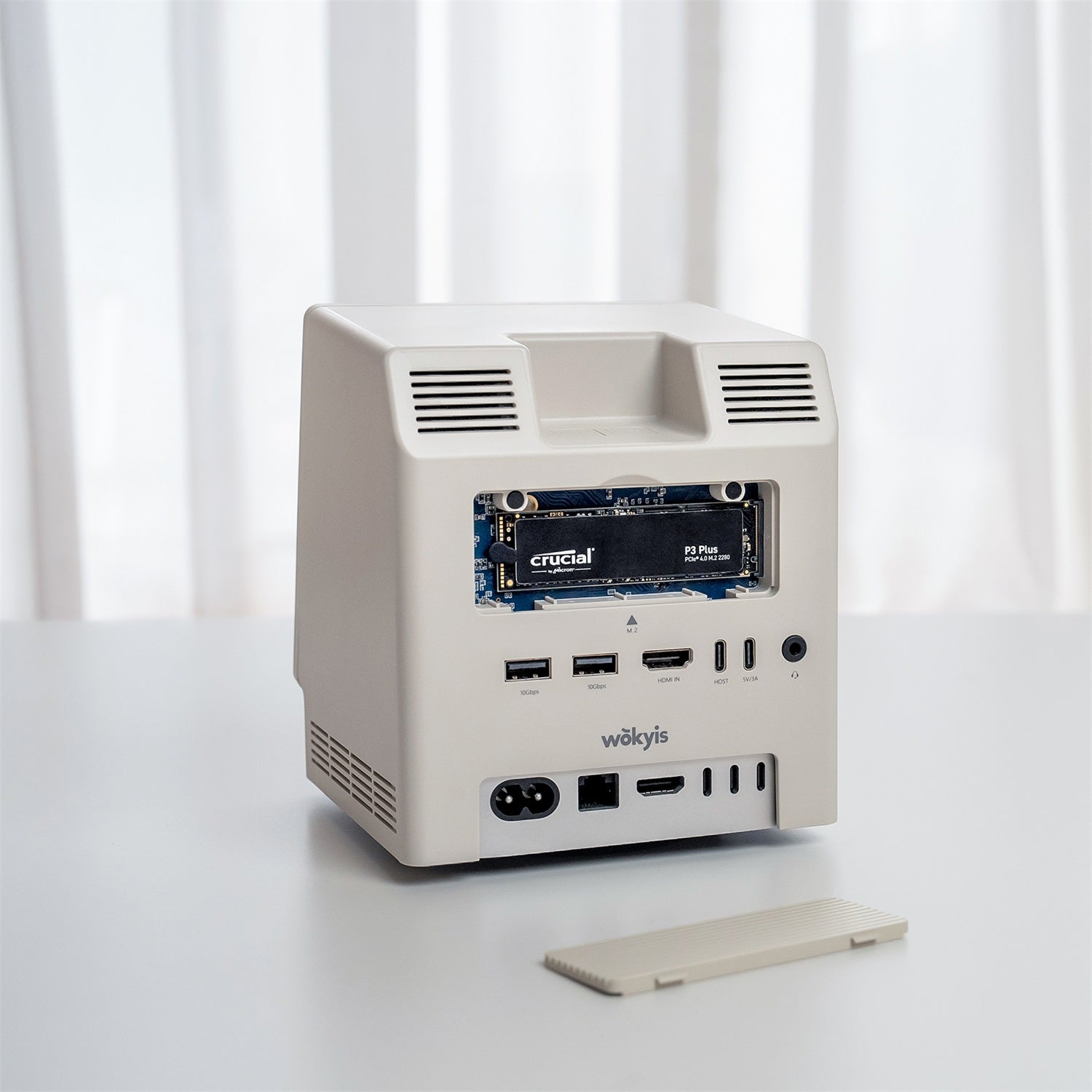
No, the Wokyis M5 does not leave any space inside to install a heatsink. However, the protective cover for the M.2 NVMe SSD on the rear of Wokyis M5 is made of aluminium with grooved design, which effectively acts as...

Read moreabout Does It support M.2 NVMe SSD with a heatsink on the Wokyis M5?

Tutorials

How To Setup

How to Set Up the Wokyis M5 10Gbps for Mac mini M4
  • by WokyisHello

How to Set Up the Wokyis M5 10Gbps for Mac mini M4

Helpful Tips:  1, SSD Installation: To safeguard your data and hardware, always disconnect the Wokyis M5 10Gbps from both the power supply and your host device before installing or removing an SSD. 2, Cable & Performance: To achieve the maximum...

Read moreabout How to Set Up the Wokyis M5 10Gbps for Mac mini M4

How to Change the Sound to the Audio Jack on the Wokyis M5?
  • by WokyisHello

How to Change the Sound to the Audio Jack on the Wokyis M5?

Helpful Tips: When you connect a headphone, earphone, or speaker with a 3.5mm plug to the audio jack on the rear of the Wokyis, you will need to change the sound output in the settings of macOS. The headphone, earphone or speaker...

Read moreabout How to Change the Sound to the Audio Jack on the Wokyis M5?

How to Install an M.2 NVMe SSD on the Wokyis M5 80Gbps
  • by WokyisHello

How to Install an M.2 NVMe SSD on the Wokyis M5 80Gbps

Helpful Tips: M.2 NVMe SSD can only be installed when the Wokyis M5 is disconnected from the computer The power supply (PD 36W port on the rear of Wokyis M5) also needs to be disconnected. Refer to this tutorial video...

Read moreabout How to Install an M.2 NVMe SSD on the Wokyis M5 80Gbps

Screen Issue Troubleshooting Wokyis M5 (80Gbps)
  • by WokyisHello

Screen Issue Troubleshooting Wokyis M5 (80Gbps)

Please try the solutions and follow the steps below to see if you can get Wokyis M5 (80Gbps)’s screen working properly. Solution #1: press the rainbow button shown in the image below to switch on/off of the screen. Solution #2: if the Solution #1...

Read moreabout Screen Issue Troubleshooting Wokyis M5 (80Gbps)

Screen Issue Troubleshooting Wokyis M5 (10Gbps)
  • by WokyisHello

Screen Issue Troubleshooting Wokyis M5 (10Gbps)

Please try the solutions and follow the steps below to see if you can get Wokyis M5’s screen working properly. Solution #1: press the rainbow button shown in the image below to switch on/off of the screen. Solution #2: if the Solution #1 does not...

Read moreabout Screen Issue Troubleshooting Wokyis M5 (10Gbps)

How to Insert an SD/micro into the Card Reader on the Wokyis M5
  • by WokyisHello

How to Insert an SD/micro into the Card Reader on the Wokyis M5

Helpful Tips: The SD and micro SD card slots are both designed with push-to-push mechanism. Insert SD card with golden pins facing up into the slot. Refer to this tutorial video on YouTube:  https://youtu.be/6YRu2fCj_hk?si=8edIoMiqMh8CAxUj

Read moreabout How to Insert an SD/micro into the Card Reader on the Wokyis M5