
No, the Wokyis M5 does not include any SSD. You need to purchase and install SSD by yourself.
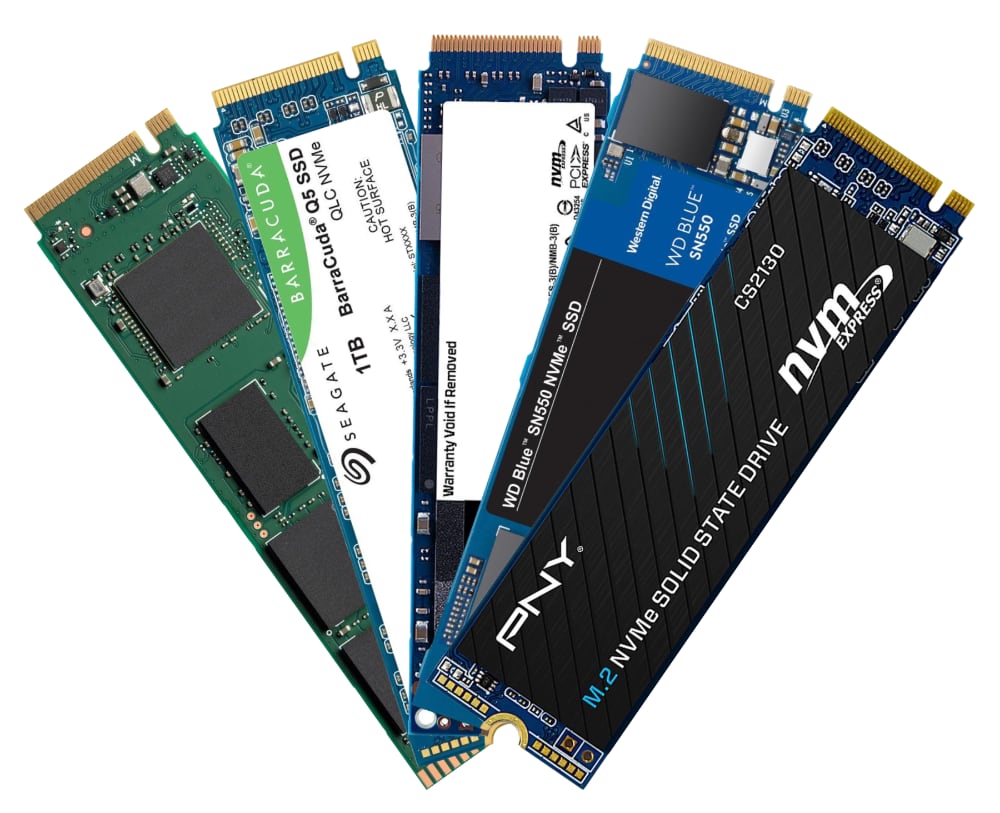
As for recommended PCIe Gen 4 (4.0) and Gen 5 (5.0) NVMe SSD models, please refer to list below (to be updated):
- acer: Predator GM7/GM7000, FA100/FA200
- Crucial: T710/T705/T500, P510/P310, P5/P5 Plus, P3/P3 Plus, P2/P2 Plus
- Corsair: MP700 Elite/MP700 PRO, MP600 Elite/MP600 CORE XT/MP600 PRO NH
- Fury: Fury Renegade, Fury Renegade G5
- Lexar: NM1090 PRO, NM790/NM760/NM710, NQ790/NQ780/NQ760/NQ710
- Inland: TN450, TN470
- Kingston: NV3, NV2, NV1, DC1000B, KC3000
- Move Speed: HB7450 1TB/2TB/4TB
- ORICO: e7400, O7000/OG7000, IG740PRO
- PNY: CS3250, CS2150, CS2241/CS2230, CS1030
- Samsung: 9100 Pro, 990 Pro/990 EVO/990 EVO Plus, 980 Pro/980, 970 Pro/970 EVO/970 EVO Plus/970
- Seagate: BarraCuda Q5/510, FireCuda 520/510, IronWolf 525, ZP1000GP3A1011/ZP2000GP3A1001
- SK Hynix: Platinum P51, Platinum P41, Gold P31
- Silicon Power: UD90, US75, A60
- TEAMGROUP: T-Force Z540, T-Force G50, MP44L, MP33/MP33 PRO, MS30
- Western Digital: Black SN8100/SN850X/SN850, Black SN7100/SN770/SN750, Blue SN5000, SN580/SN570/SN550, Green SN350, Red SN700
As for how to Install the M.2 NVMe SSD, please refer to these webpages:
Wokyis M5 10Gbps: https://wokyis.com/blogs/tutorial/how-to-install-and-format-m-2-nvme-ssd-on-wokyis-m5-10gbps
Wokyis M5 80Gbps: https://wokyis.com/blogs/tutorial/how-to-install-an-m-2-nvme-ssd-on-the-wokyis-m5-80gbps
Share:
Does the SD/microSD card readers on Wokyis M5 support UHS-II or I?
What speeds can be achieved using an M.2 NVMe SSD on the Wokyis M5?