Wokyis M5 80Gbps
Wokyis M5 80Gbps
Couldn't load pickup availability
PRODUCT DESCRIPTION
Retro Docking Station for Mac mini M4 with 5-inch Full HD Monitor and 80Gbps M.2 NVMe PCIe SSD Enclosure
About this item:
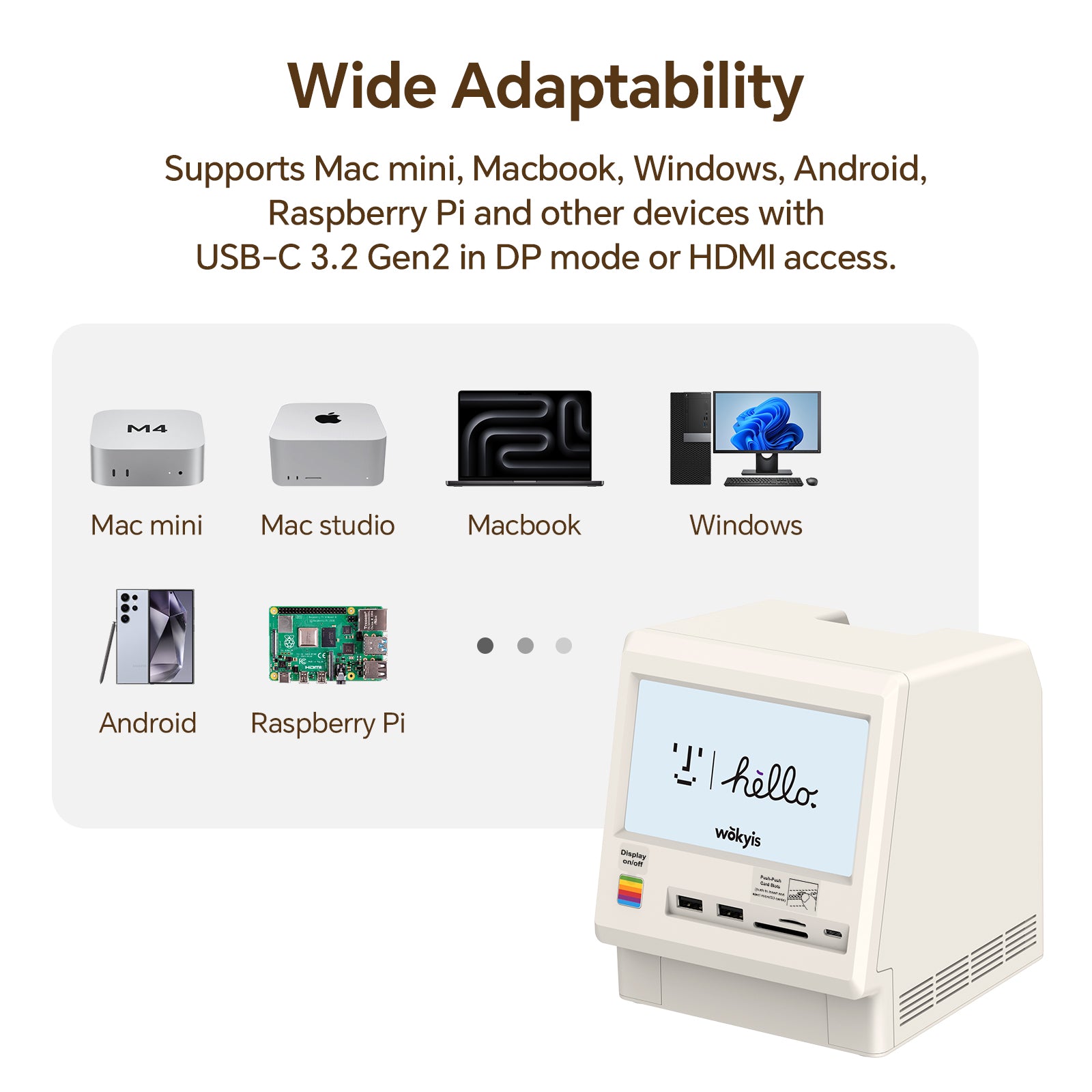
- It is compatible with Mac mini M4 and M4 Pro. It is also compatible with Mac mini M1/M2 chip series, other Macs and other Windows computers with Thunderbolt 5/4/3 ports or USB4 port.
- It is NOT compatible with computers that have Thunderbolt 2 ports or USB 3.2/3.0/2.0 ports.
- It is now available for purchase and is expect to ship within two days (excluding national holidays).
Technical Specifications:
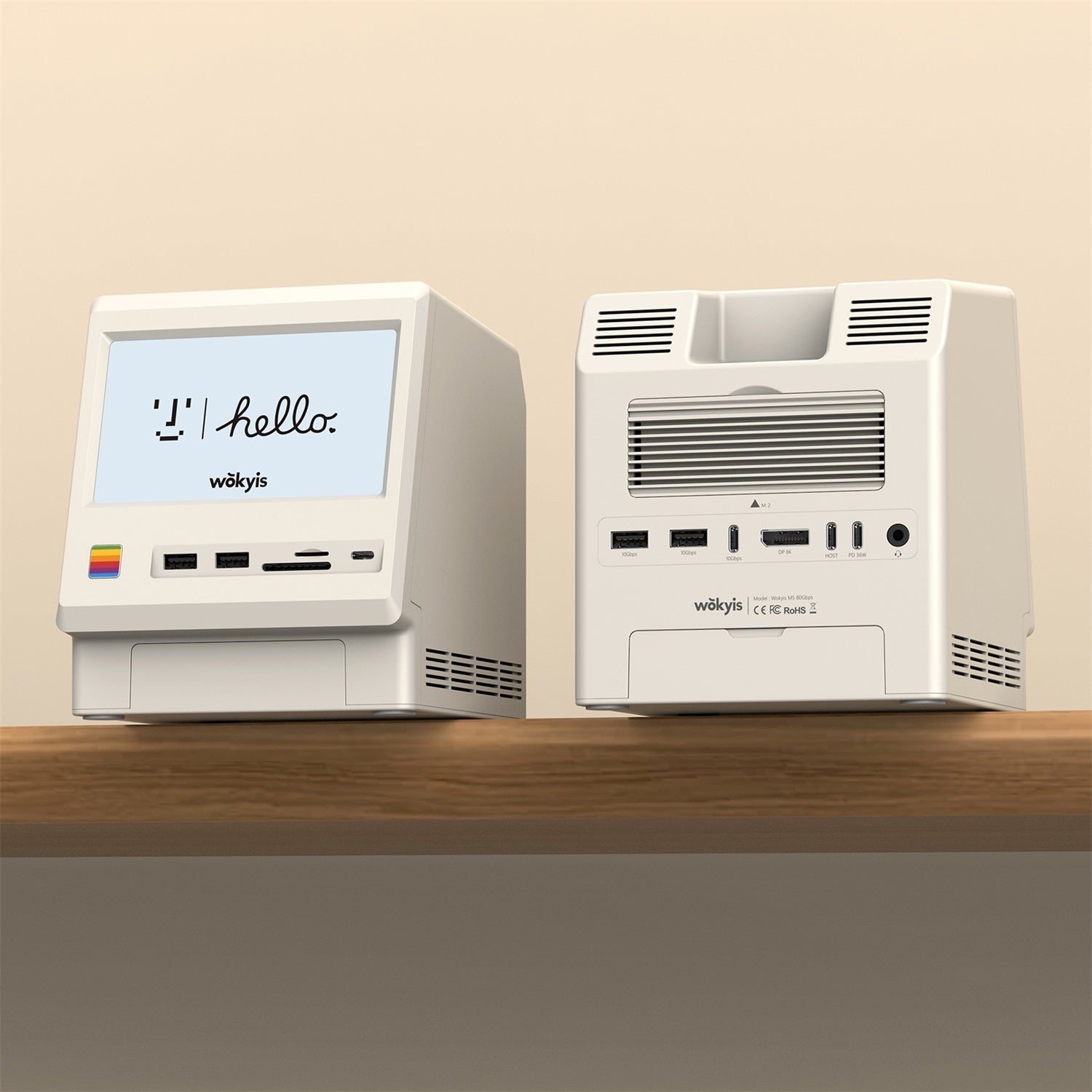
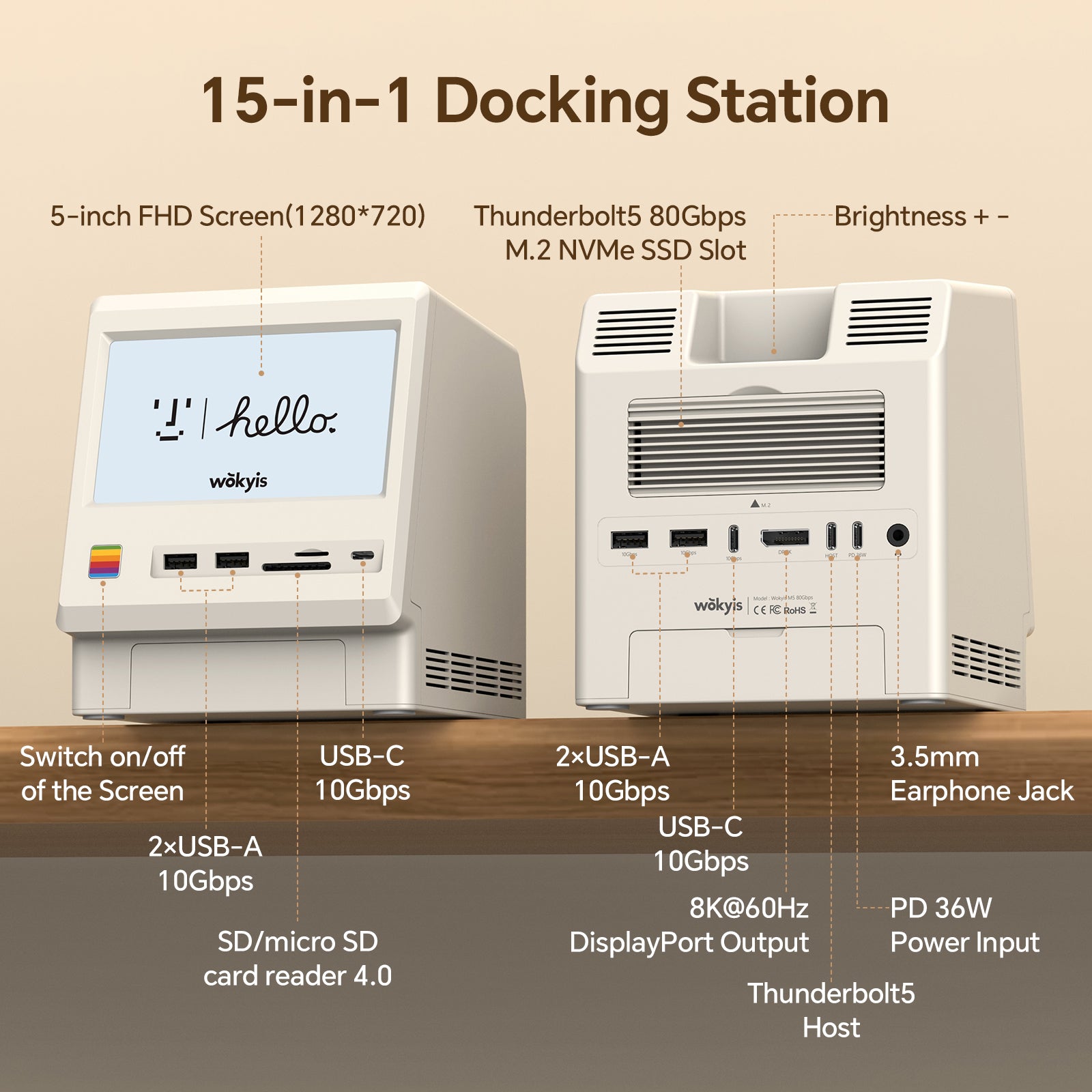
- Power Button: switch on/off of the 5-inch screen
-
5-inch Screen: full HD display, resolution up to 1280*720p, IPS
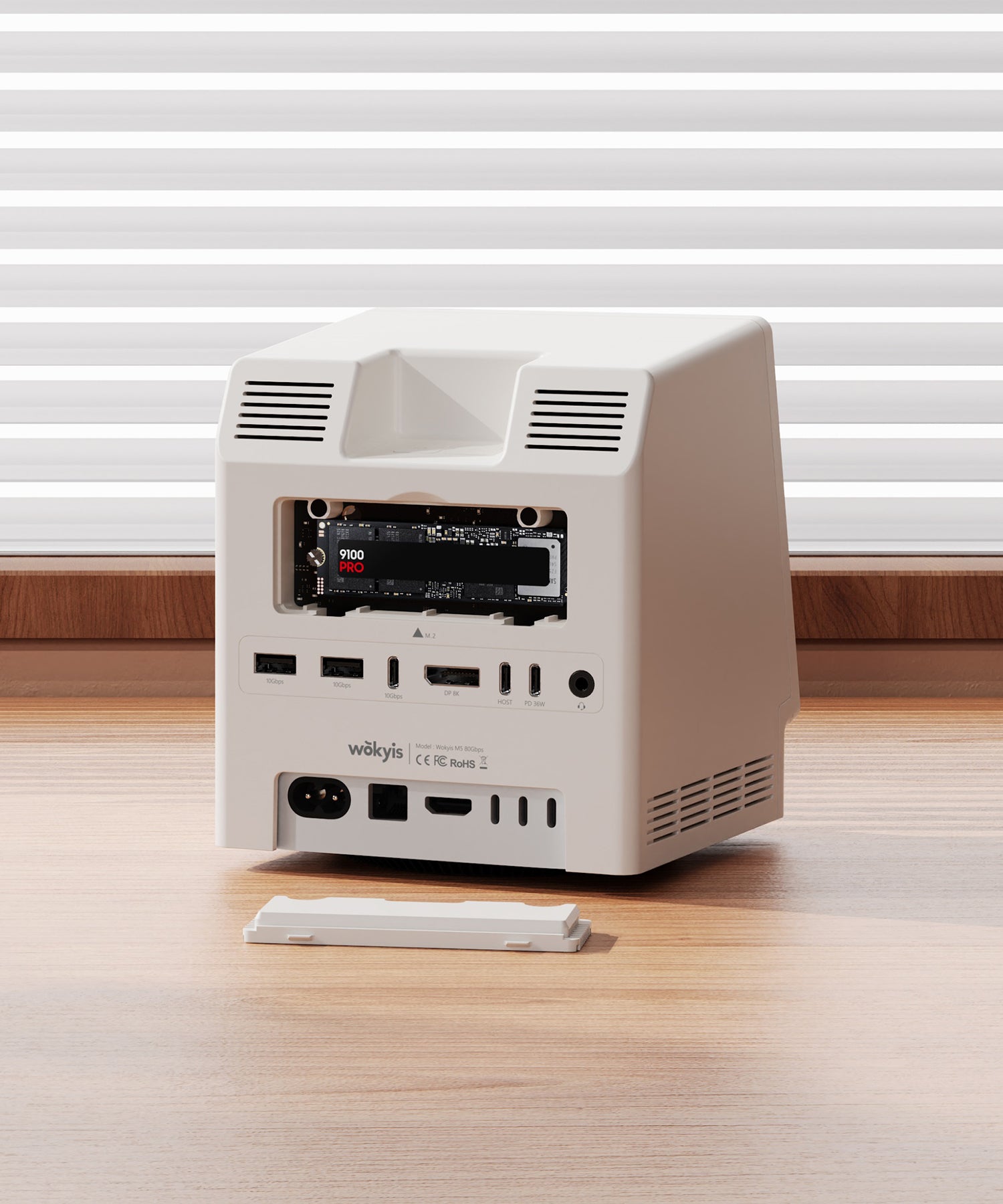
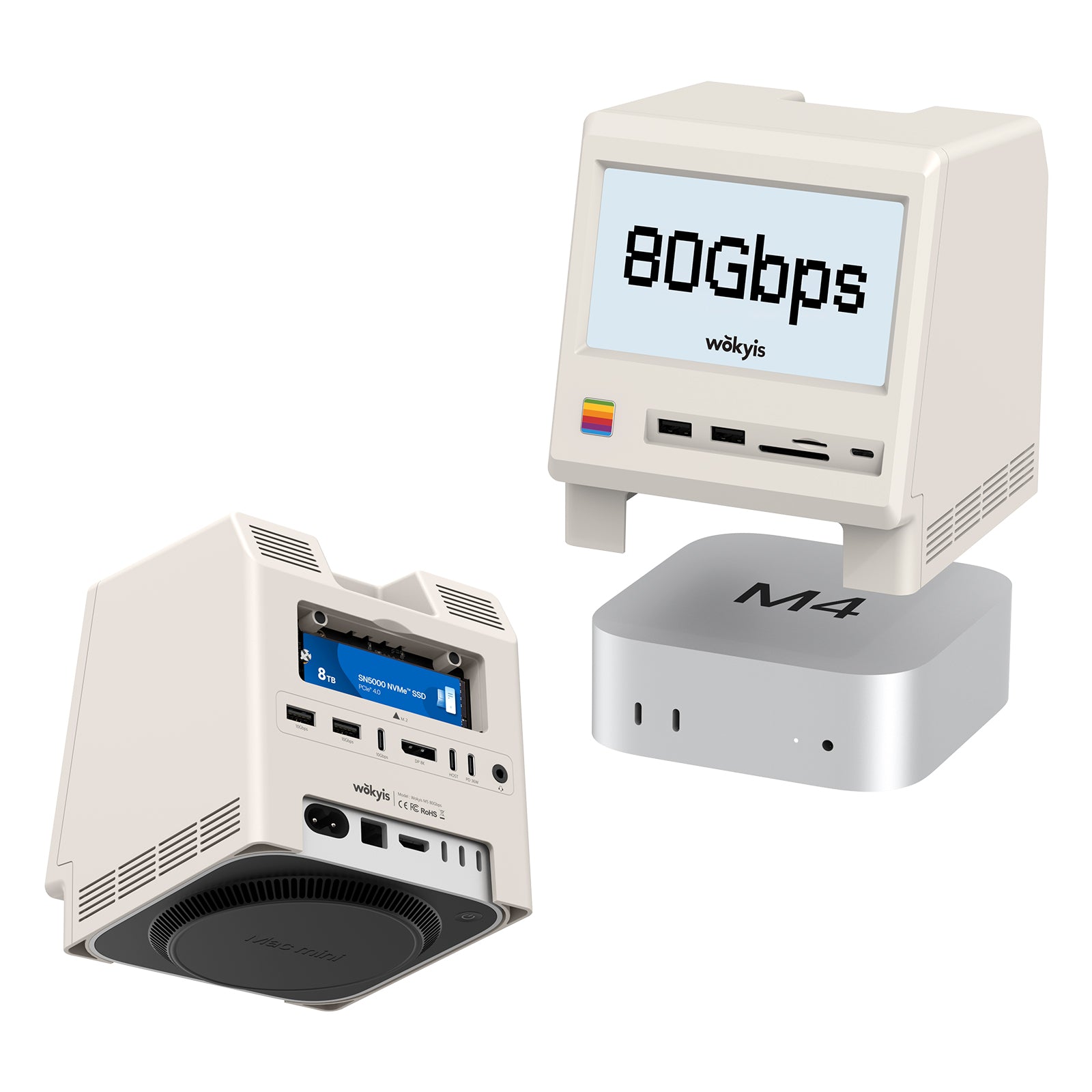
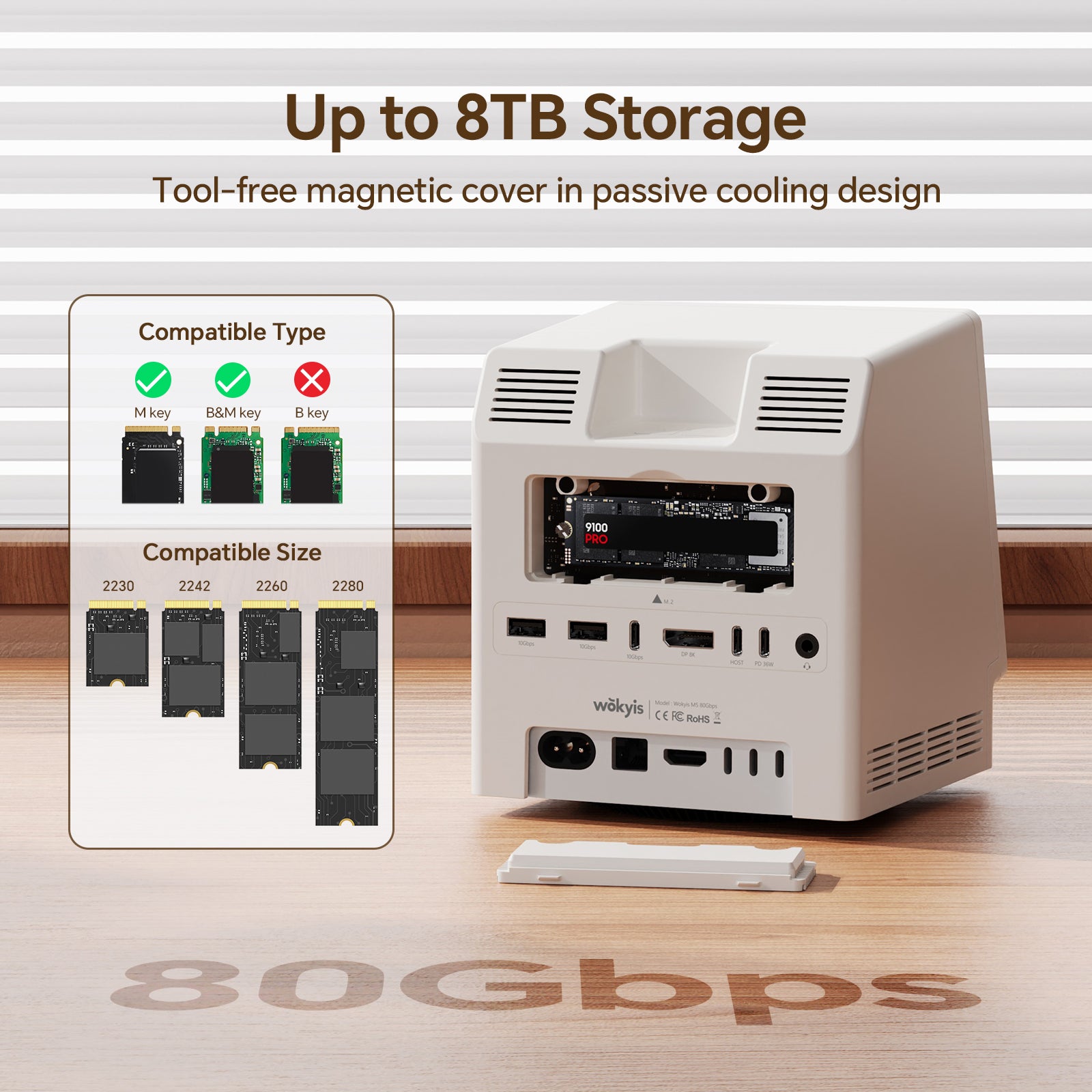
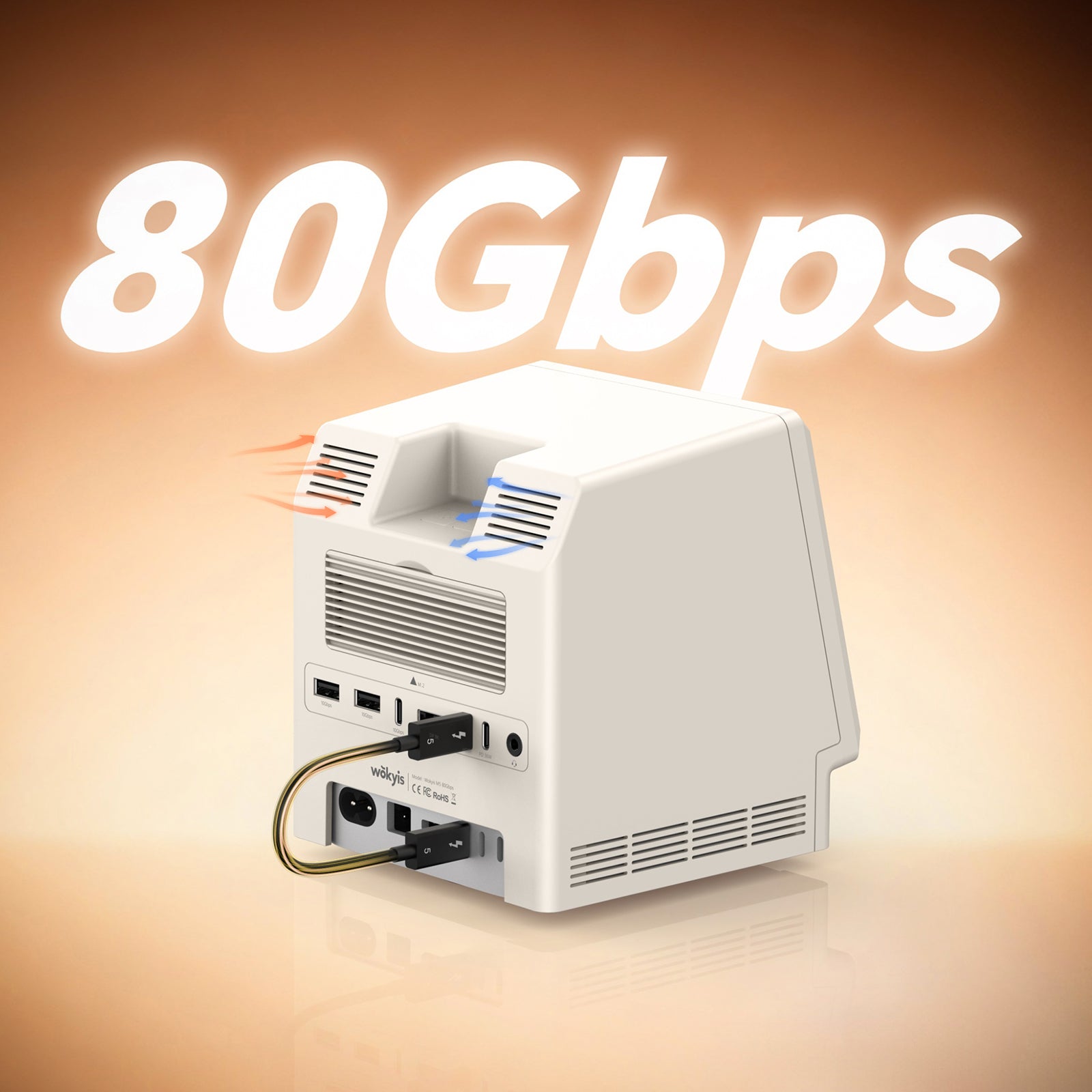
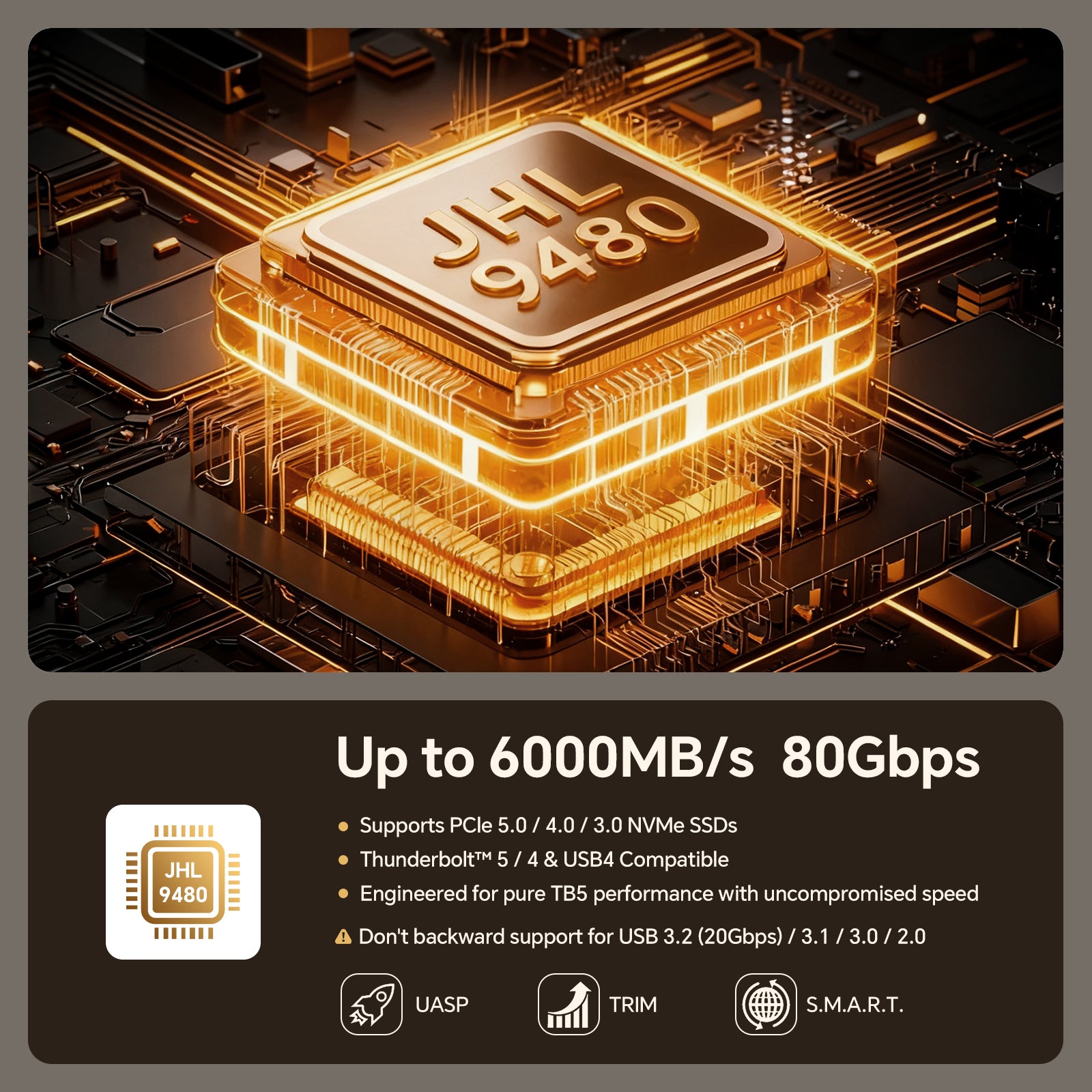
- M.2 SSD Slot: supports 2230/2242/2260/2280, NVMe, PCIe 4.0 and 5.0, capacity up to 8TB, speeds up to 80Gbps
- SD/micro Card Readers: SD4.0 UHS-ll 312MB/s, SD and microSD card readers can be used simultaneously
- 4x USB-A Ports: USB 3.2 Gen 2 10Gbps, power supply up to 5V/0.9Ah
- 1x USB-C Port: USB 3.2 Gen 2 10Gbps, power supply up to 5V/0.9Ah
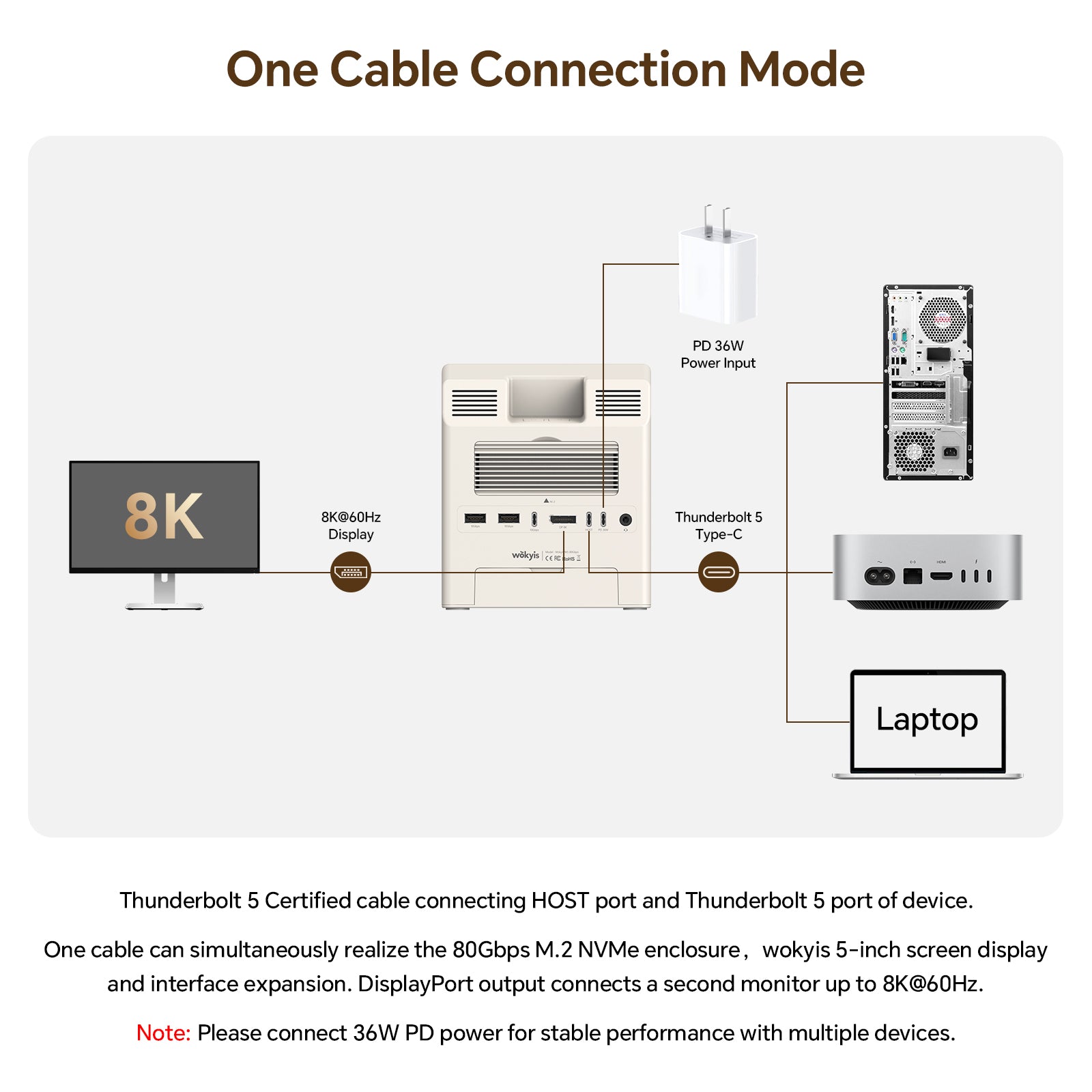
- 1x USB-C Host: connect to Mac mini M4/M4 Pro
- 1x USB-C Port: connect to external power supply when needed, 36W (12V/3A)
- 1x Audio Port: 3.5mm earphone jack, USB 2.0, 8K-384K support 32bit input output
-
1x DisplayPor: 8K@60Hz video ouput
Accessories:
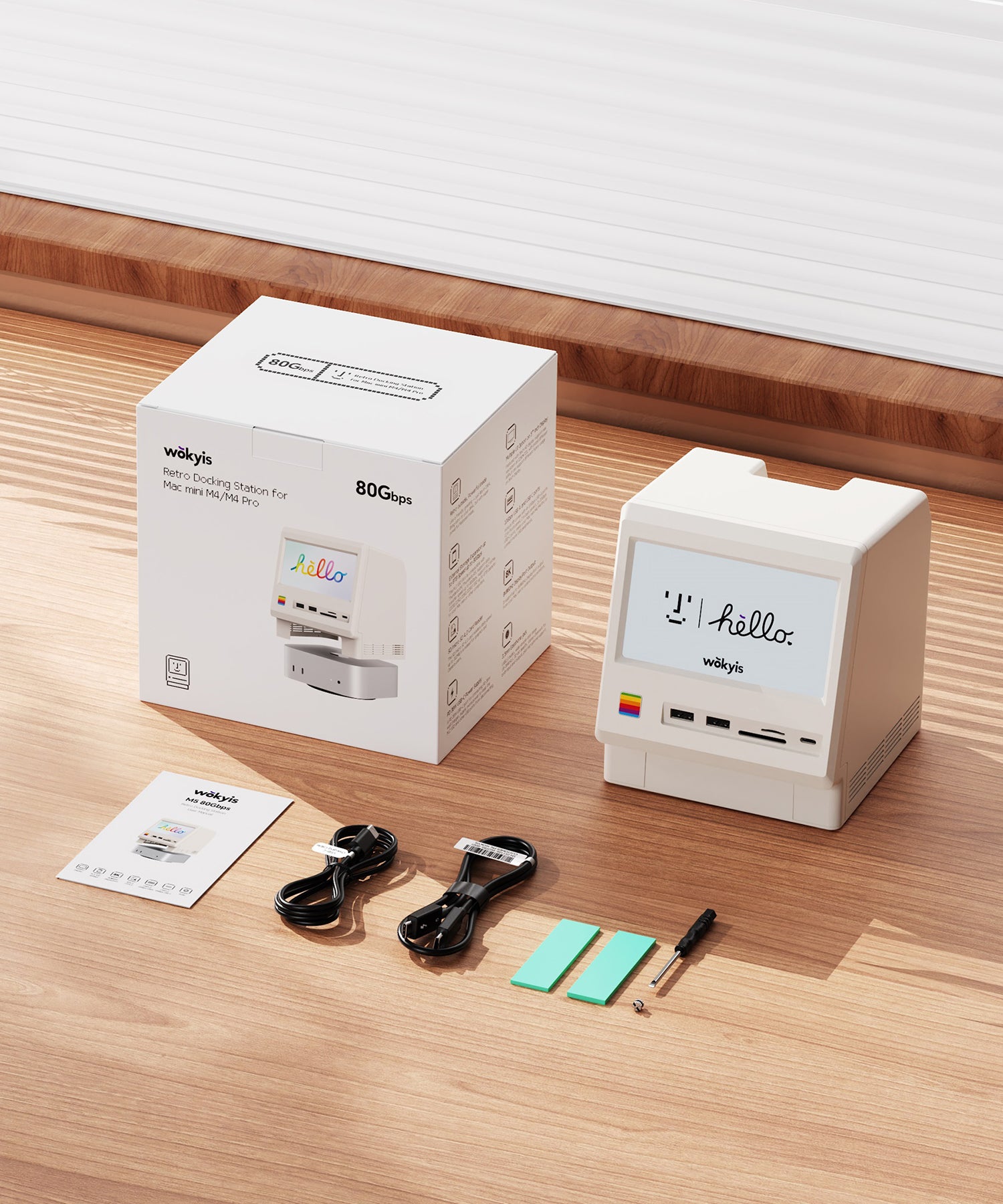
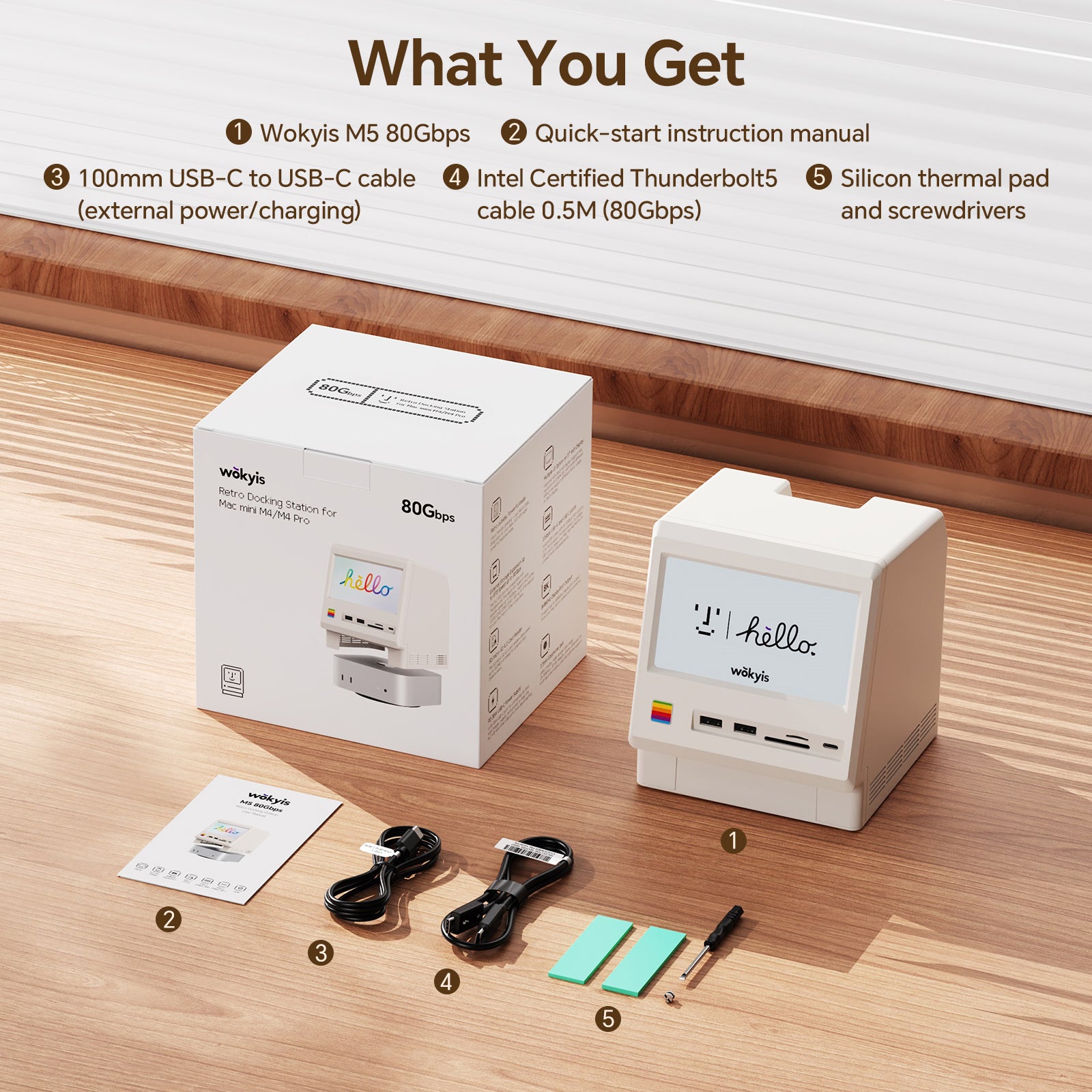
- 1x Thunderbolt 5 80Gbps cable: connect to Mac mini M4/M4 Pro, other Macs or Windows computers with Thunderbolt 5/4/3 ports, 0.5 meter, Intel certified
- 1x USB-C cable: connect to external power supply when needed, 1 meter, 36W (12V/3A)
Dimensions:
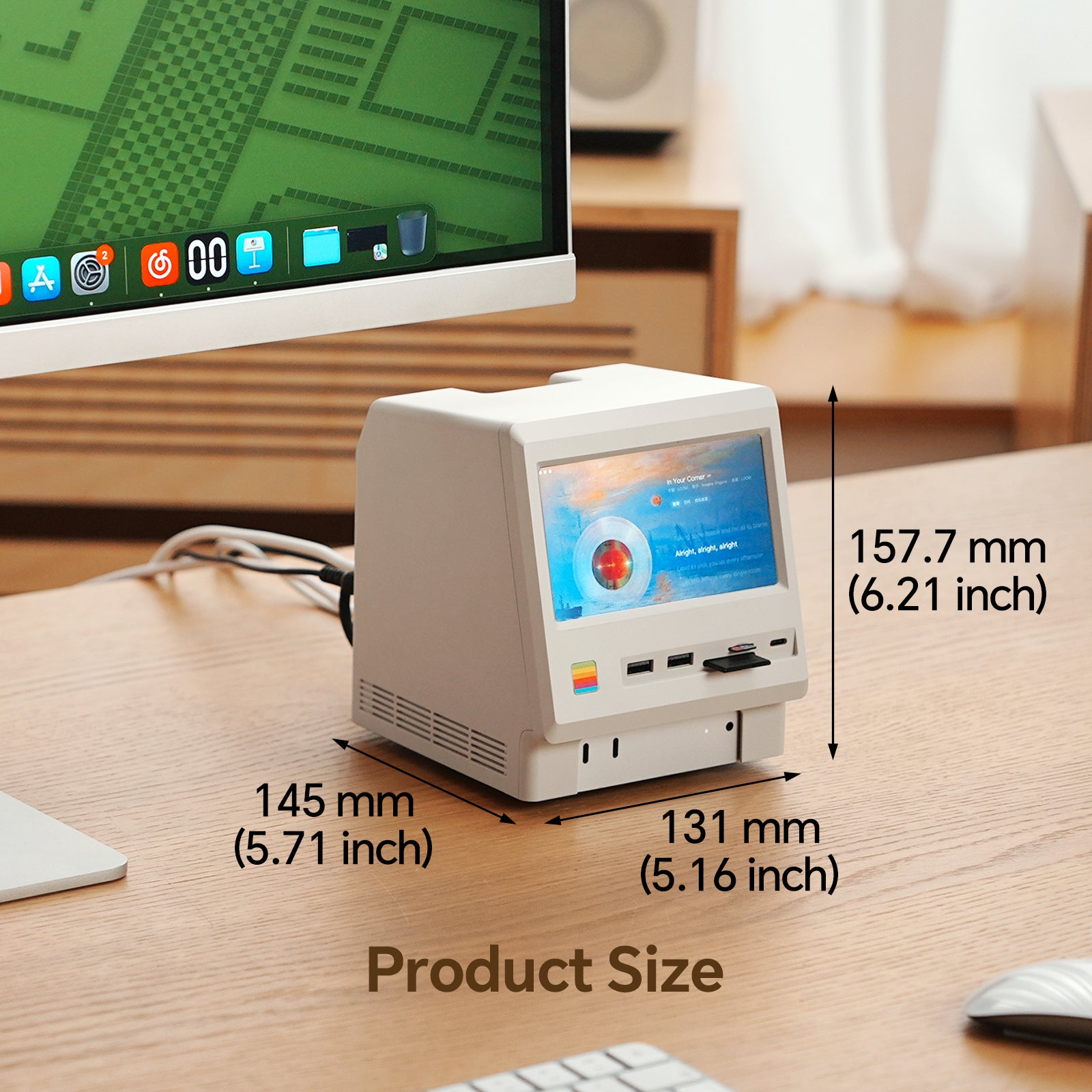
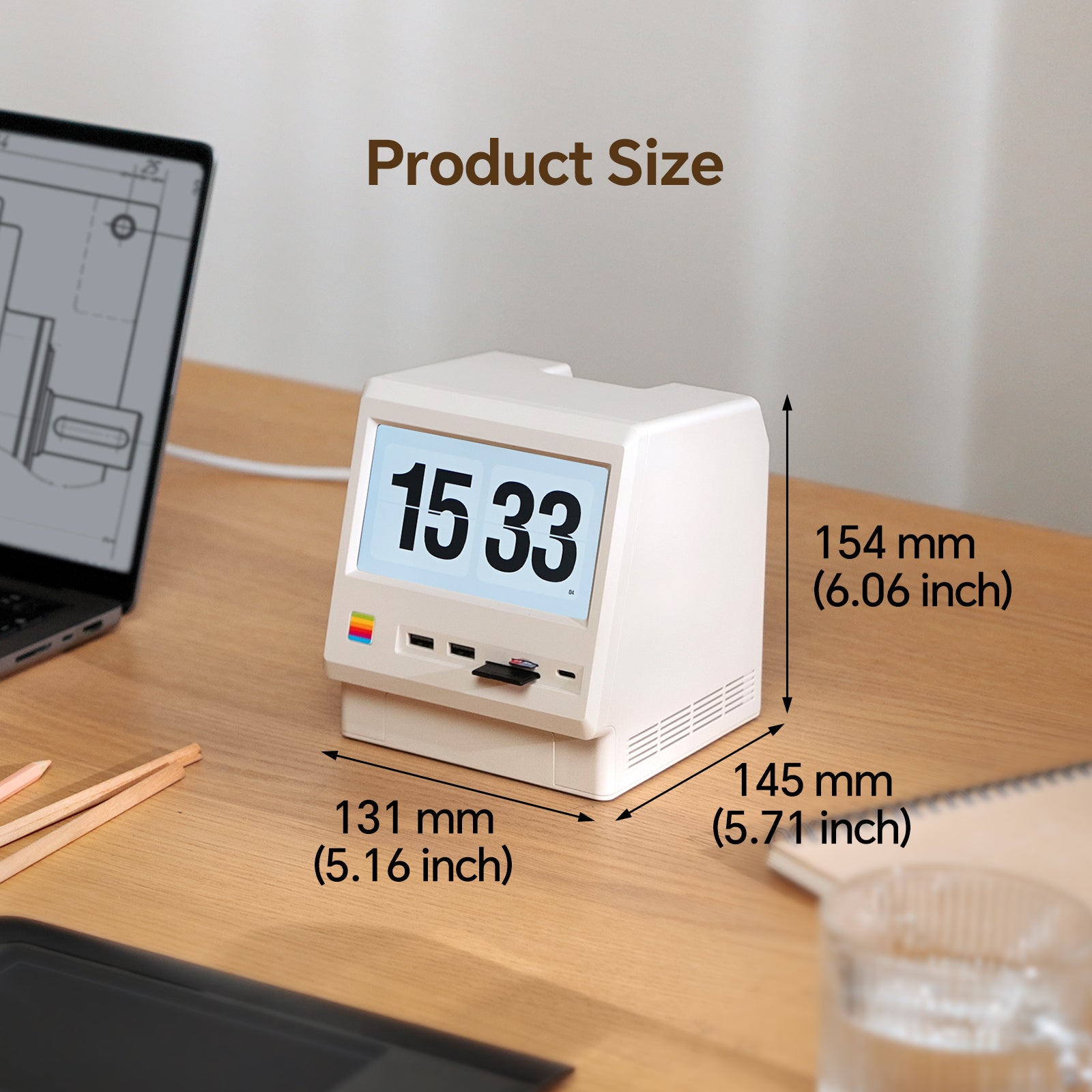
- 145*131*154mm, 5.71*5.16*2.13inches
Weight:
- 510g, 1.12Ibs, 17.99oz
Materials:
- Plastic (main body)
- Aluminum (SSD protecive cover)
Compatibility:
- Mac mini M4/M4 Pro, Mac mini M1/M2 chip series
- MacBook Air M4, MacBook Pro M5, MacBook Pro M4/M4 Pro/M4 Max
- Other Macs and Windows computers with Thunderbolt 5/4/3 ports or USB4 port
Recommended PCIe Gen 4 (4.0) and Gen 5 (5.0) NVMe SSD (to be updated):
- acer: Predator GM7/GM7000, FA100/FA200
- Crucial: T710/T705/T500, P510/P310, P5/P5 Plus, P3/P3 Plus, P2/P2 Plus
- Corsair: MP700 Elite/MP700 PRO, MP600 Elite/MP600 CORE XT/MP600 PRO NH
- Fury: Fury Renegade, Fury Renegade G5
- Lexar: NM1090 PRO, NM790/NM760/NM710, NQ790/NQ780/NQ760/NQ710
- Inland: TN450, TN470
- Kingston: NV3, NV2, NV1, DC1000B, KC3000, A400
- Move Speed: HB7450 1TB/2TB/4TB
- ORICO: e7400, O7000/OG7000, IG740PRO
- PNY: CS3250, CS2150, CS2241/CS2230, CS1030
- Samsung: 9100 Pro, 990 Pro/990 EVO/990 EVO Plus, 980 Pro/980, 970 Pro/970 EVO/970 EVO Plus/970
- Seagate: BarraCuda Q5/510, FireCuda 520/510, IronWolf 525, ZP1000GP3A1011/ZP2000GP3A1001
- SK Hynix: Platinum P51, Platinum P41, Gold P31
- Silicon Power: UD90, US75, A60
- TEAMGROUP: T-Force Z540, T-Force G50, MP44L, MP33/MP33 PRO, MS30
- Western Digital: Black SN8100/SN850X/SN850, Black SN7100/SN770/SN750, Blue SN5000, SN580/SN570/SN550, Green SN350, Red SN700
Share

Question & Answer
Why is it sold out or unavailable for purchase?
If this item is not available in your country/region, please visit AliExpress and Amazon. They offer worldwide shipping.
What kind of speeds can it achieve with SSD?
The actual speed depends on your computer configuration, SSD performance, and the version of Wokyis M5 you have (10Gbps or 80Gbps).
We've tested Wokyis M5 10Gbps on Mac mini M4 (Tahoe 16.2) with 4TB Samsung 990 EVO Plus PCIe 4.0 NVMe SSD, its write/read speeds are around 900 MB/s and 800 MB/s respectively.
We've also tested Wokyis M5 80Gbps on Mac Studio M4 Max (Tahoe 16.2) with 1TB Samsung 9100 Pro PCIe 5.0 NVMe SSD, its write/read speeds are around 6300 MB/s and 5900 MB/s respectively.
Does it include an M.2 NVMe PCIe SSD?
No, the Wokyis M5 does not include any SSD, you need to purchase and install SSD by yourself.
Does it include the silicone thermal pad?
Yes, the Wokyis M5 includes two pieces of silicone thermal pad for the M.2 NMVe SSD in the orginal package. The thicker piece is for the single-sided SSD, while the thinner piece is for the double-sided SSD.
Does it support M.2 NVMe SSD with a heatsink?
No, the Wokyis M5 does not have any remaining space inside to install a heatsink.
However, the protective cover for the M.2 NVMe SSD on the rear of Wokyis M5 is made of aluminium with grooved design, which effectively acts as a heatsink.
You simply need to place the silicone thermal pad provided in the original packaging between the solid-state drive and the protective cover for heat dissipation.
Does it support SD/microSD cards with UHS-II or I?
The SD and microSD card readers on the front of the Wokyis M5 support SD 4.0 with UHS-II standards (up to 312MB/s).
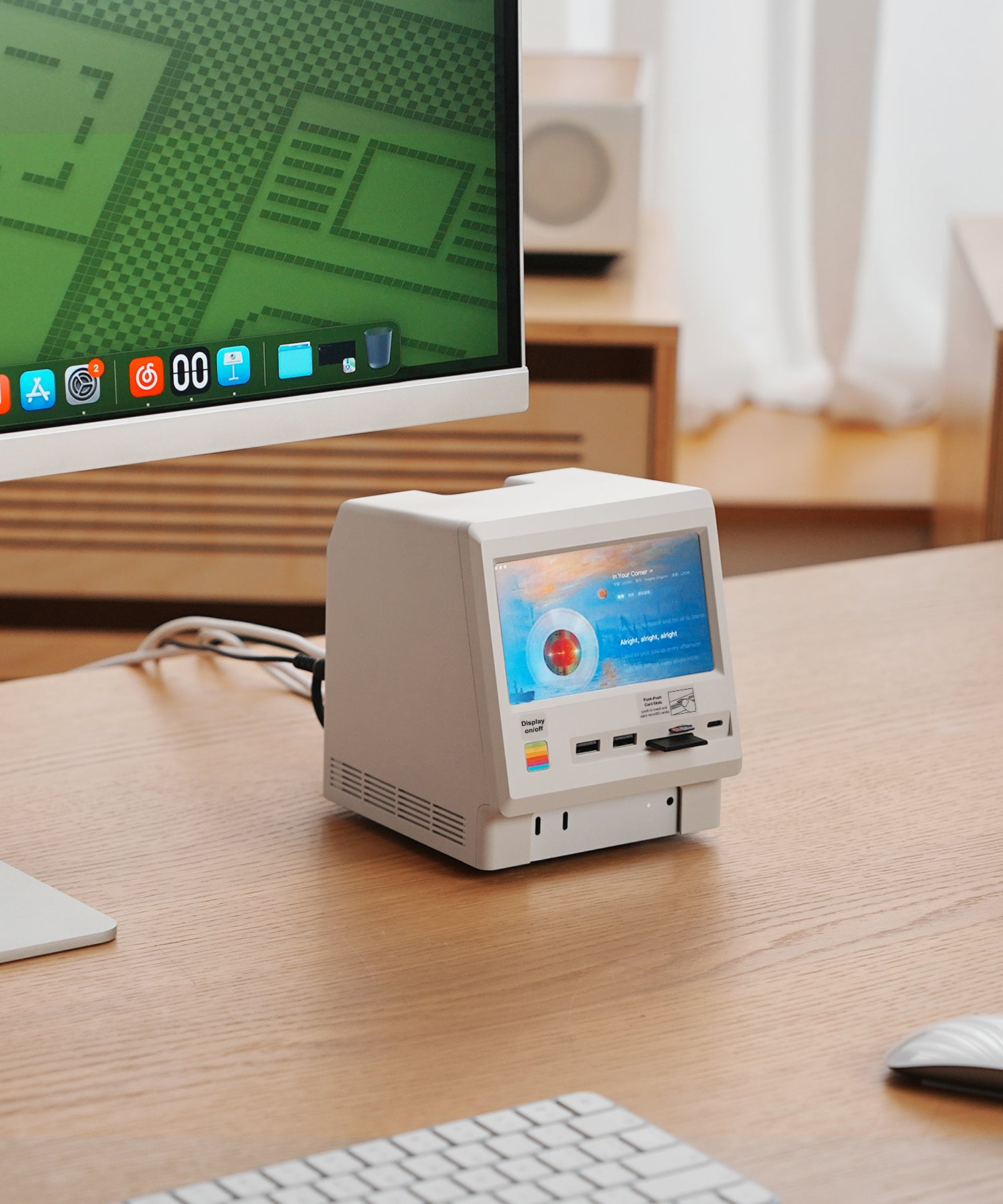
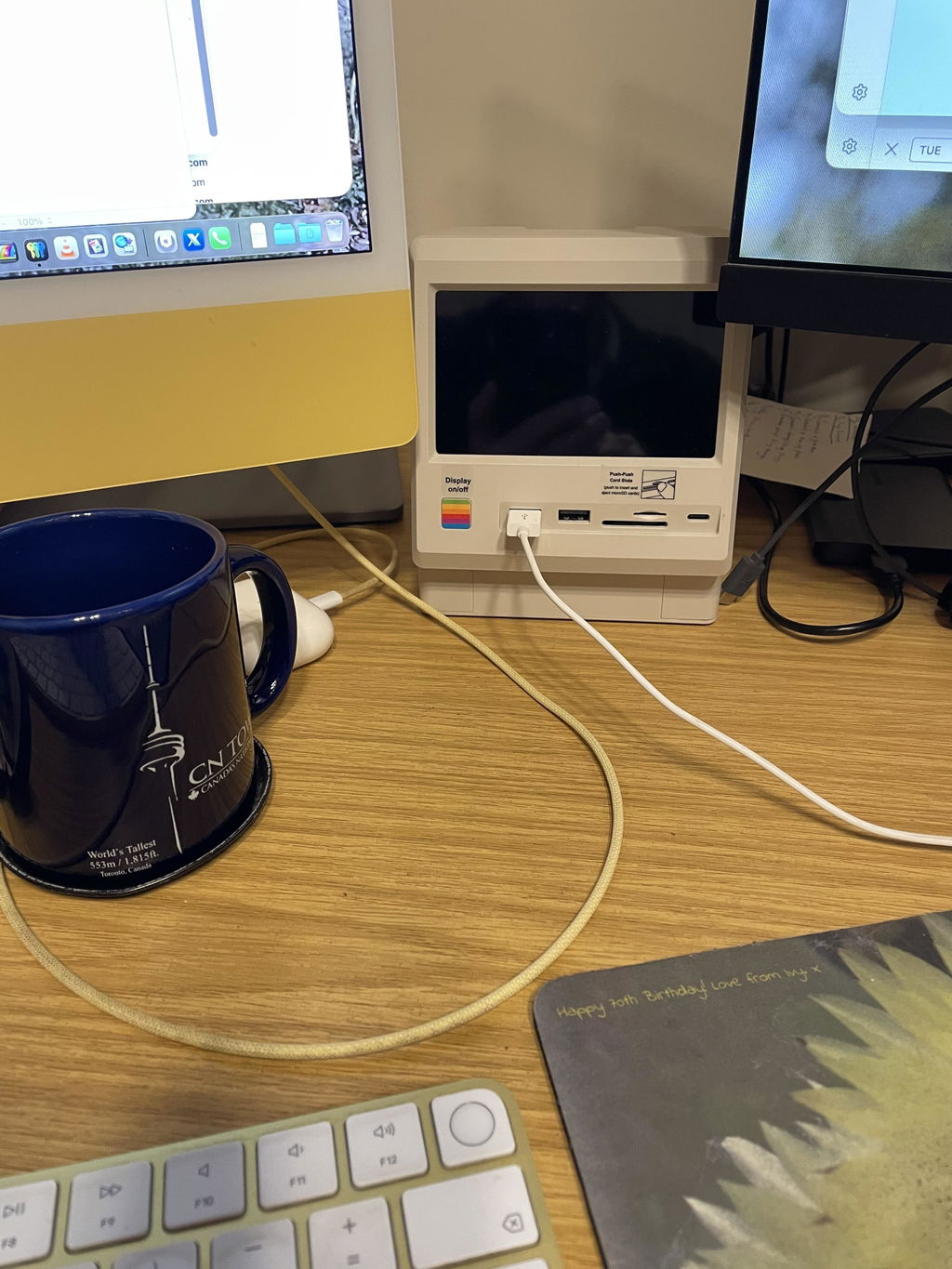
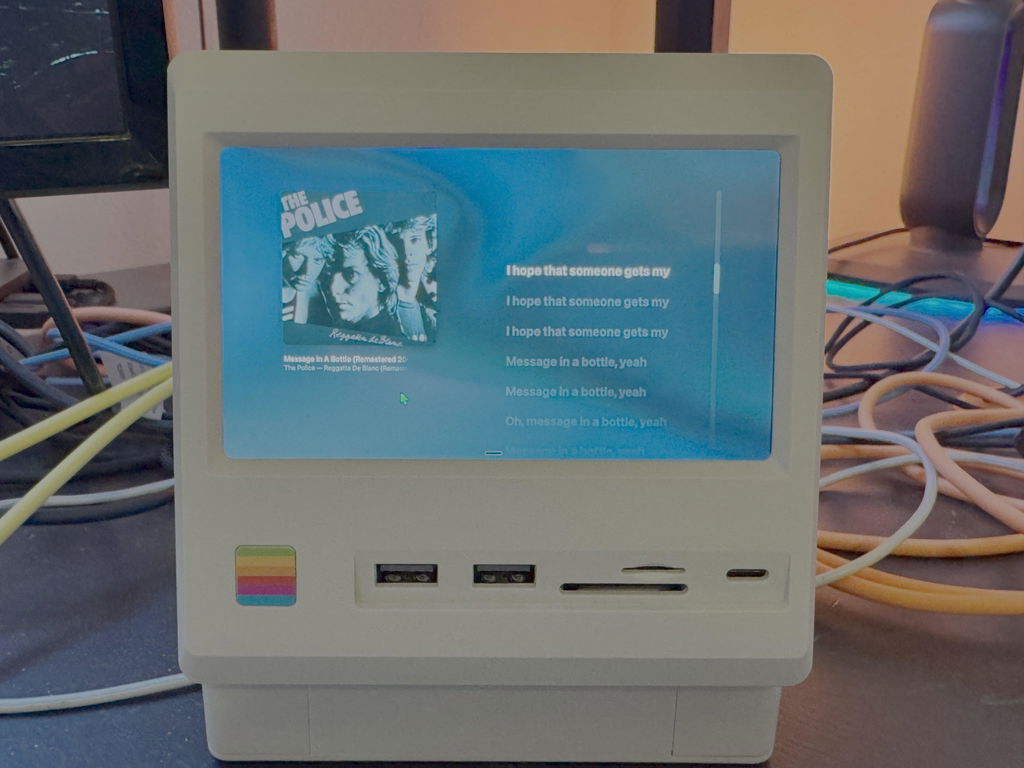
First I need to say that Wokyis support was great when I had shipping inquiries, very responsive. I didn't know what the little unit would be like but it's working great. It's hanging off an OWC TB5 dock. The display is more useful than I imagined. Overall very pleased with the device and I'm already envisioning how I can add this to my workflows.
Very nice device. Be advised to not use the shorter cable when using an M.2: it took me an hour to find out the M.2 wasn't being detected with the shorter cable. Connect the Wokyis 80 with the longer cable instead and your M.2 will popup in DiskUtil :-)
Very well packaged! Was surprised to see the effort that was taken to protect the corners of the box as well. Made it without any scratch or dent to The Netherlands. The build quality is exceptionally good. Very sturdy, all parts seem to fit exceptionally good. High standard build quality, OCD proof I would say ;-) with very very small tolerances. Did not cut any corners here. Made with love!
Just received mine yesterday. It’s very cool! Screen is small, but legit. Love the retro look.
Reviews in Other Languages
Feel free to contact us
Welcome to email us:hello@wokyis.com
WhatsApp & Service line: +852 66622021