
Refer to this tutorial video on YouTube: https://youtu.be/WExCgALnDCk?si=rauO9t1yhheqxiTX
- Photo Slideshow Fun
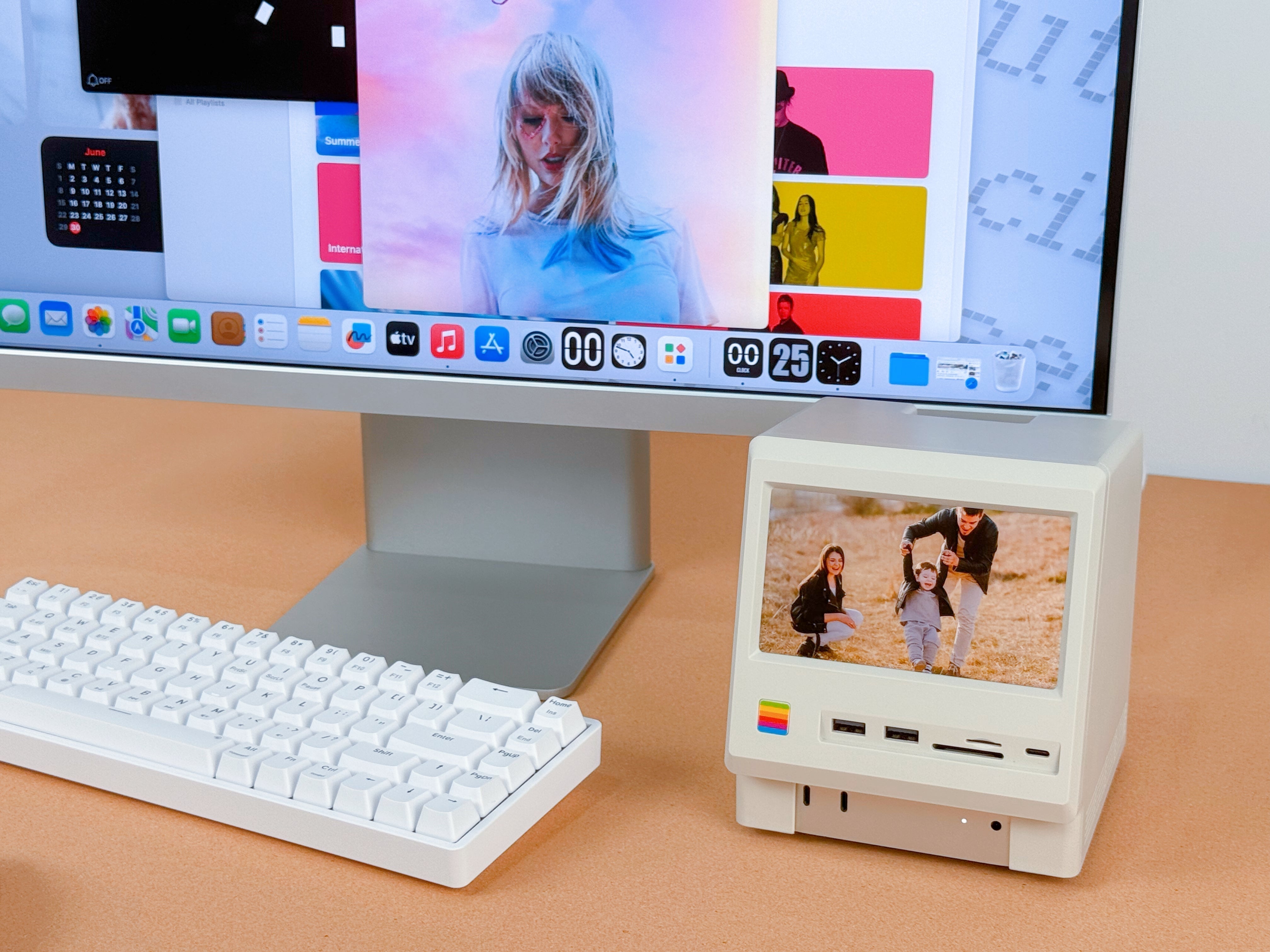
Open the Photos app, pick your favorite album, right-click → Play Slideshow, then drag the window to Wokyis and go full-screen. Your memories, now in mini-theater mode.


- Mini Home Theater
Drag any video player to Wokyis and go full-screen—instant pocket-sized cinema for those "just one more episode" moments.

Share:
How to Set Up Flip Clock on Mac mini M4 | Wokyis M5 Retro Dock
How to Display the Dynamic Lyrics on the Wokyis M5